Create Your Own Website
with the help of a Web Design Coach

A professional website:

  • lets you take charge of your business
  • gives you freedom and choices
  • allows you to reach your ideal customers
  • saves you a lot of time
  • allows your creativity to shine
  • gives you credibility

By working with a web design coach, you save yourself months of learning and get your website created quickly and without the overwhelm.

Book a FREE Website Strategy Session and let’s discuss where you are right now and where you want to go.  Together we will come up with a plan that best suits your business, your budget, your skills and time you have available.

Keep Creative Control of your Website

With 1.8 billion websites online right now and over 200 new websites being created EVERY SINGLE MINUTE,
it’s getting more difficult to get noticed and to attract new customers.

You can spend weeks, even months, learning how to create a professional website
or you can book for a coaching session or two to ensure your website is up and running quickly.

We take the guesswork out of the web design process, so you can get on with running your business.  If you have not created a website before, it’s difficult to know what you don’t know.

Website Design Process Step by Step

Whether you are a beginner or have some design experience, we can help you get to the next level.

There are no contracts – you book as many sessions as you need.

These are the steps we take to make sure your website looks professional right from the start.

  • 1. Register the Right Domain Name

    Your domain name is one of the fundamental elements of your website.  Together we will come up with the perfect domain name for your business.

  • 2. Choose a Reliable Webhosting Company

    There are many different types of webhosting companies and plans, each with its own capabilities when it comes to the amount of storage space, technical support, server speed and reliability.

    It’s important you choose the right hosting and email set up as it can have a big impact on your business.

  • 3. Select Colours and Fonts for Your Brand

    One of the first decisions you will need to make when it comes to designing your website are the colours and fonts.  Believe it or not, colour choice can play a big part in the success of your website.

  • 4. Get a Logo Created

    Your logo is often the first thing potential customers see on your business cards, website, blog, social profiles, merchandising materials etc, so it’s crucial you get it right from the beginning.

  • 5. Gather Information for Your Website

    Whilst having a visually appealing website is important, including the right content is far more critical. But simply including lot of information is not enough.

    You also need to prove to your customers that you are trustworthy, reliable and that you will deliver what you have promised.

  • 6. Source and Create Images and Banners for Your Website

    Images can make or break the look of your website and can make a difference between whether your website looks amateurish or professional, so choosing great images is crucial.

  • 7. Create Videos and Upload them to Video Hosting Platform

    If pictures speak a thousand words, imagine what a video could say about your business.  Many people are still afraid to create videos, so this is the perfect time for you to get ahead of your competition.

  • 8. Plan Layout and Structure of Your Website

    Before you start building your website, you need to create a plan of all the web pages you will include on your website and the layout of each page.

    You need to work out all the different elements that you will add to each page including slideshows, testimonials, text, videos, photo galleries, etc and how much of each page every element will take up.

  • 9. Install WordPress

    Installing WordPress on your hosting account can seem daunting, but it is a pretty straight forward process if you know the right settings.

  • 10. Choose WordPress Theme and Install It

    When it comes to choosing a theme for your WordPress website, you have a big choice.  Since the theme is the foundation of your website it is important you choose one that is going to make it easy for you to create your website.  We help you choose a theme that will be mobile responsive, simple to use, compatible with all browsers and most popular plugins.

  • 11. Add Text, Images, Slideshows, Videos, Photo Galleries, Maps

    This is where the fun begins – you get to add all the different elements to ensure your website is not only visually appealing but also interactive.

  • 12. Install and Configure Plugins for Additional Functionality

    Your website can be so much more than just a pretty online brochure.  In fact, if you want to make the most of your website, then you will want to consider more advanced functionality, such as web forms, e-commerce, social media sharing, email autoresponders and so much more. In WordPress extra features can be added using plugins.  Together we will find the best plugins for your business.

  • 13. Add Google Analytics

    Monitoring your traffic needn’t be difficult or expensive. In fact, one of the easiest tools for monitoring traffic is completely free – Google Analytics. This allows you to get information regarding where visitors are coming from, what keywords people are using to find your website, what pages they are viewing and so much more.

  • 14. Check How Your Website Looks in Different Browsers and On Different Devices

    When you have designed your website it’s important that you check how it looks on different devices and in different browsers.  We show you how to test your website before you launch it.

  • 15. Optimise for Search Engines

    Search Engine Optimisation involves a lot of work and can be quite costly.  If your budget doesn’t stretch far and you would like to tackle SEO yourself, we can discuss the best way for you to achieve great results.

  • 16. Backup Website

    There are many things that can go wrong with technology and although the webhosting company does regular backups, these are created in case something happens to the server and are generally NOT suitable for single website recovery.  We will show you how to back up your website and discuss the best website security practices.

Web Design Coaching Prices

We will meet you wherever you are in your online journey and help to get you to the next level.

1 hour session – $110
3 x 1 hour sessions – $297
5 x 1 hour sessions – $495
10 x 1 hour sessions – $890

Below are some potential outcomes you can expect.

1 hour session – $110

New Website

  • Discuss and brainstorm the best available domain name for your business and register it, OR
  • Choose the right hosting company and the best hosting plan and sign up, OR
  • Select an easy to use theme, OR
  • Select colours and fonts for your brand, OR
  • Come up with a content plan, OR
  • Source images and graphics, OR
  • Plan layout and structure of your website, OR

Website Redesign

  • Discuss what is working on existing website and what can be improved, OR
  • Plan new layout, content and structure of your website, OR
  • Add extra functionality with plugins, OR
  • Discuss design of your homepage and inside pages, OR
  • Add extra elements, such as videos, slideshows, photo galleries, banners, OR
  • Ensure your website contains all the necessary elements, OR

Website marketing

  • Discuss how to improve website conversions, OR
  • Plan social media postings, OR
  • Create a search engine optimisation plan, OR

3 x 1 hour session – $297

New website:

  • Discuss and brainstorm the best available domain name for your business and register it
  • Choose the right hosting company and the best hosting plan and sign up
  • Install WordPress and select a theme

or

  • Select colours and fonts for your brand and discuss logo options
  • Come up with a content plan, layout and structure of your website
  • Source images and create graphics for your website

Website redesign:

  • Discuss what is working on existing website and what can be improved
  • Plan new layout, content and structure of your website
  • Add extra functionality with plugins

or

  • Discuss design of your homepage and inside pages
  • Add extra elements, such as videos, slideshows, photo galleries, banners
  • Ensure your website contains all the necessary elements

Website marketing:

  • Discuss how to improve website conversions
  • Plan social media postings
  • Create a search engine optimisation plan

5 x 1 hour session – $495

New website:

  • Discuss and brainstorm the best available domain name for your business and register it
  • Choose the right hosting company and the best hosting plan and sign up
  • Install WordPress and select a theme
  • Select colours and fonts for your brand and discuss logo options
  • Come up with a content plan, layout and structure of your website
  • Source images and create graphics for your website

Website redesign:

  • Discuss what is working on existing website and what can be improved
  • Plan new layout, content and structure of your website
  • Add extra functionality with plugins
  • Discuss design of your homepage and inside pages
  • Add extra elements, such as videos, slideshows, photo galleries, banners
  • Ensure your website contains all the necessary elements

Website marketing:

  • Discuss how to improve website conversions
  • Improve website credibility and trust
  • Plan social media postings
  • Discuss email marketing
  • Automate business with various online tools
  • Create a search engine optimisation plan

10 x 1 hour session – $895

New website:

  • Discuss and brainstorm the best available domain name for your business and register it
  • Choose the right hosting company and the best hosting plan and sign up
  • Install WordPress and select a theme
  • Select colours and fonts for your brand and discuss logo options
  • Come up with a content plan, layout and structure of your website
  • Source images and create graphics for your website
  • Discuss design of your homepage and inside pages
  • Add extra elements, such as videos, slideshows, photo galleries, banners
  • Ensure your website contains all the necessary elements

Website upgrade & marketing:

  • Discuss what is working on existing website and what can be improved
  • Plan new layout, content and structure of your website
  • Add extra functionality with plugins
  • Discuss design of your homepage and inside pages
  • Add extra elements, such as videos, slideshows, photo galleries, banners
  • Ensure your website contains all the necessary elements
  • Discuss how to improve website conversions
  • Improve website credibility and trust
  • Plan social media postings
  • Discuss email marketing
  • Automate business with various online tools
  • Create a search engine optimisation plan

Testimonials

I’m a GP/Cosmetic Physician in Melbourne Australia.

Working with Ivana was a breath of fresh air.  She took charge of the website design, gave me options, pushed me when I’d forgotten to reply to her email and was extremely tolerant of all my requests.

Ivana’s efficiency and turn around times are incredible and she runs her business from her heart rather than trying to squeeze as much money out of her clients as so many businesses do.  I have absolutely no hesitation in recommending Websites 4 Small Business!

In a single word, Ivana is incredible. She makes the process of creating a website, a truly empowering and effortless experience. There is no limit to Ivana’s knowledge and professionalism.

Not only is she keen to share her expansive insights with her clients but her greatest superpower is her ability to ditch the “tech talk” and make complex processes easy to understand.

I highly recommend Ivana’s services. She is one of a kind.

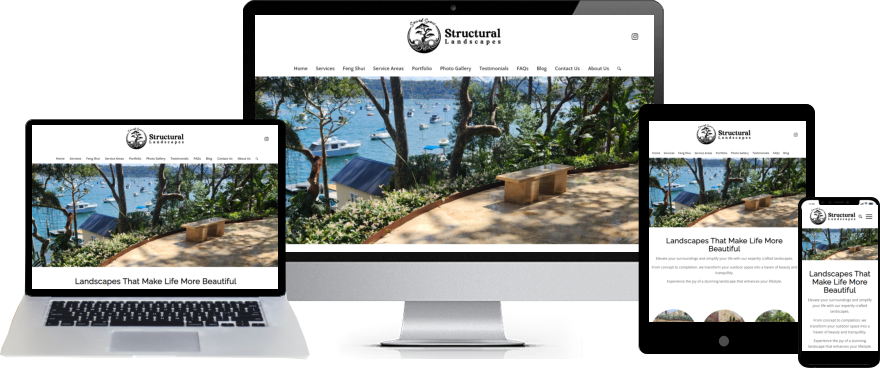
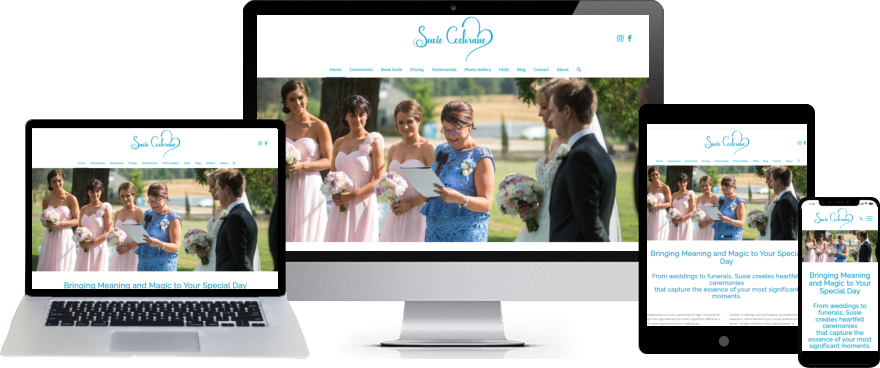
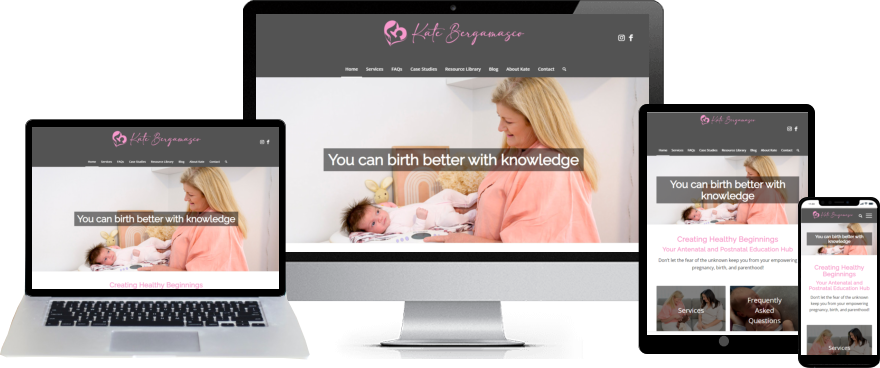
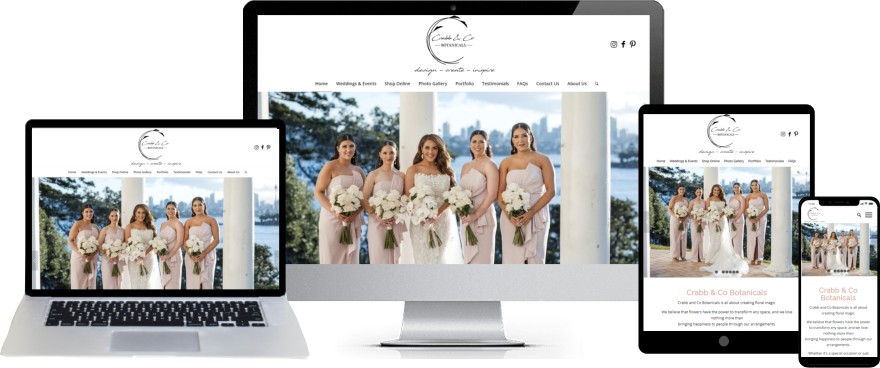
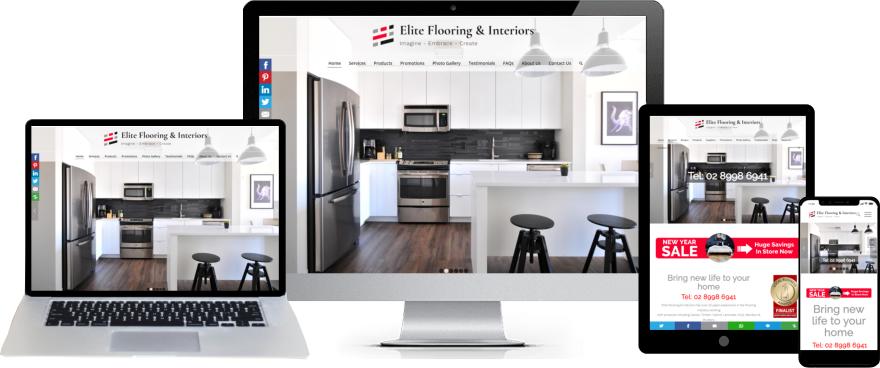
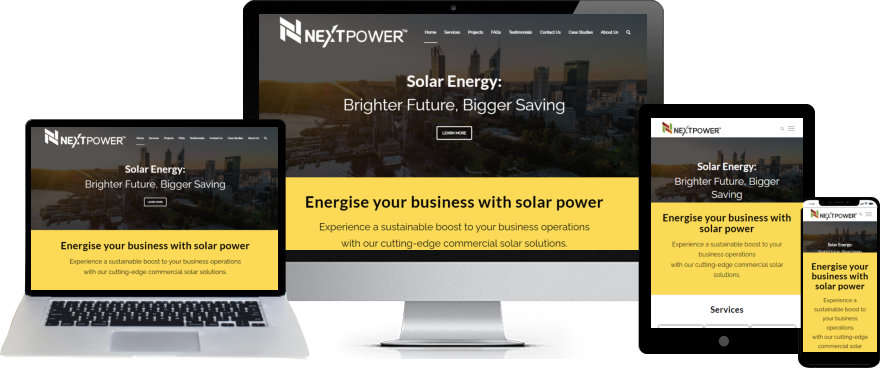
Your website can look like this …

Small business website design example - Sacred Space Structural Landscapes.

Susie Cochrane - Marriage celebrant website

Small business website - Kate Bergamasco

Responsive website design of NextPower Solar Energy provider

Website strategy session

Ultimate Website Design Secrets Black Book

Ultimate Website Design Secrets Blackbook

Insider secrets and simple tweaks you can make
to your website today that will make a huge
impact on your bottom line …

Download Ultimate Website Design Secrets