The Complete Guide to Website Security
& Maintenance for Small Businesses
Most small business owners don’t spend much time thinking about website security while everything appears to be working. The pages load. The contact form sends. Customers can find the website. Nothing looks unusual, so it is easy to assume everything behind the scenes must be fine too.
Unfortunately, that is not always what a website hack looks like.
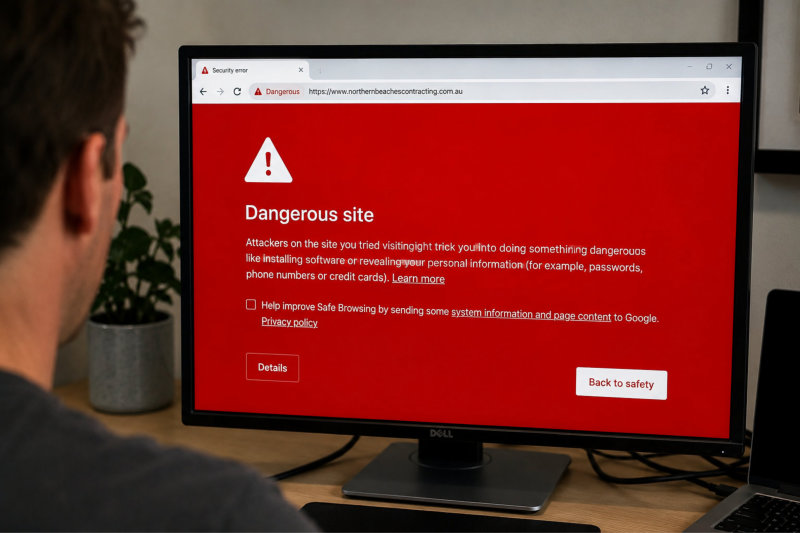
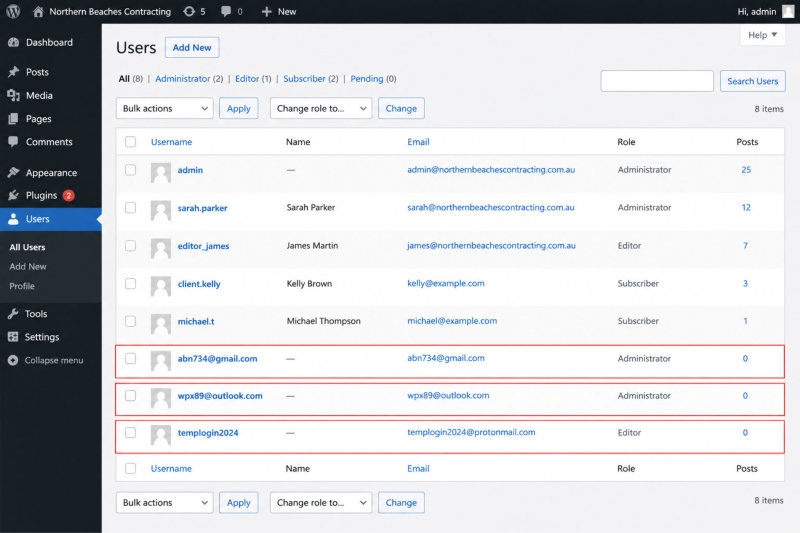
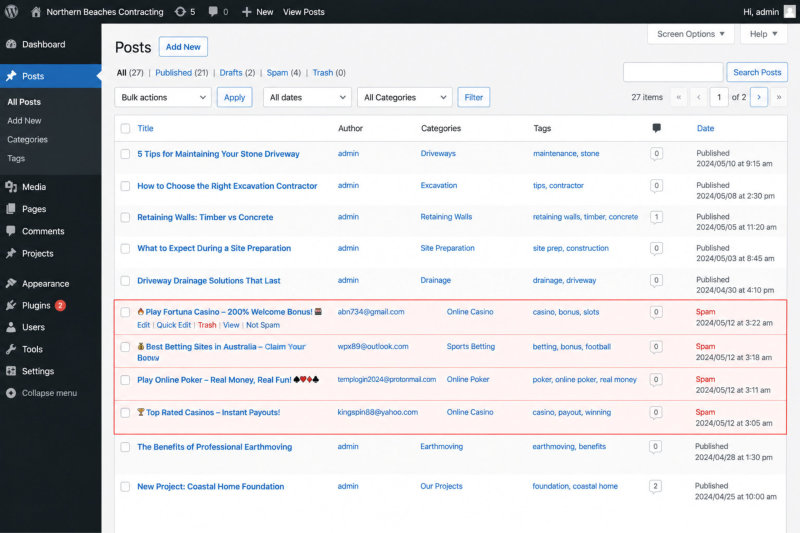
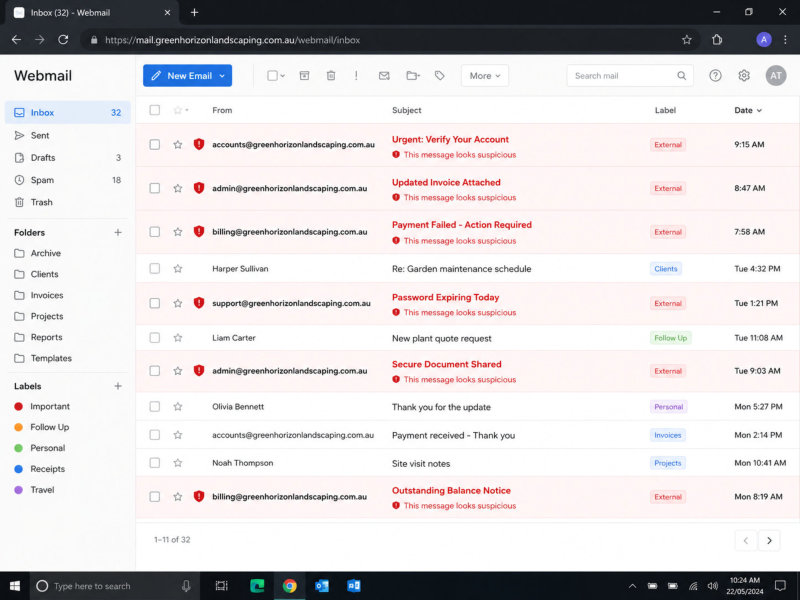
A compromised website may continue operating normally while fake administrator accounts are being created, spam pages are being published, visitors are being redirected or malicious emails are being sent through the website. Sometimes the first sign of trouble is a customer raising the alarm. Other times, it is Google displaying a large warning telling visitors the website may be dangerous.
I know how unsettling this can be because my own website has been compromised.
Fortunately, the problem was identified and cleaned up reasonably quickly. I had recent backups, security alerts and access to Google Search Console, and I had someone experienced who could investigate immediately. Even with those safeguards in place, there were several hours when I had no idea how much damage had been done, whether my backups were clean or whether something malicious was still hiding behind the scenes.
For the next few weeks, every slightly unusual notification made me wonder whether the problem had genuinely been resolved.
That experience reinforced something I had already been telling clients for years. No security measure can make a website invincible. The goal is to reduce the opportunities for an attack, recognise problems quickly and have a recovery plan ready before you need one.
This guide explains what a WordPress hack can actually look like, why small businesses are being targeted, how websites become vulnerable and the practical steps you can take to reduce your risk.
On This Page You’ll Learn
- Why small business websites are attractive to cybercriminals
- What a compromised WordPress website may look like
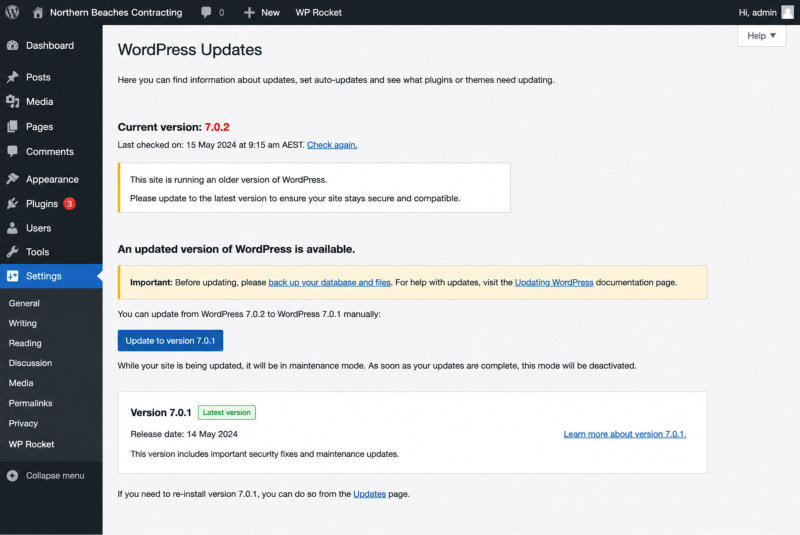
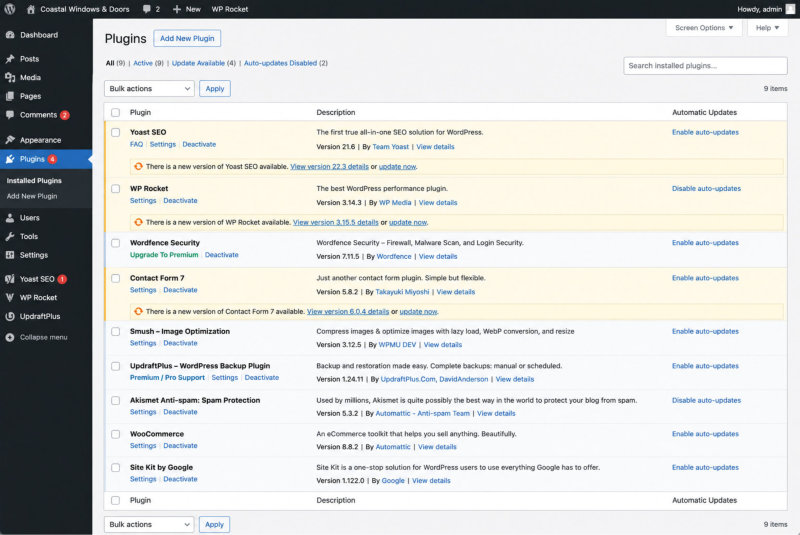
- How outdated software creates security vulnerabilities
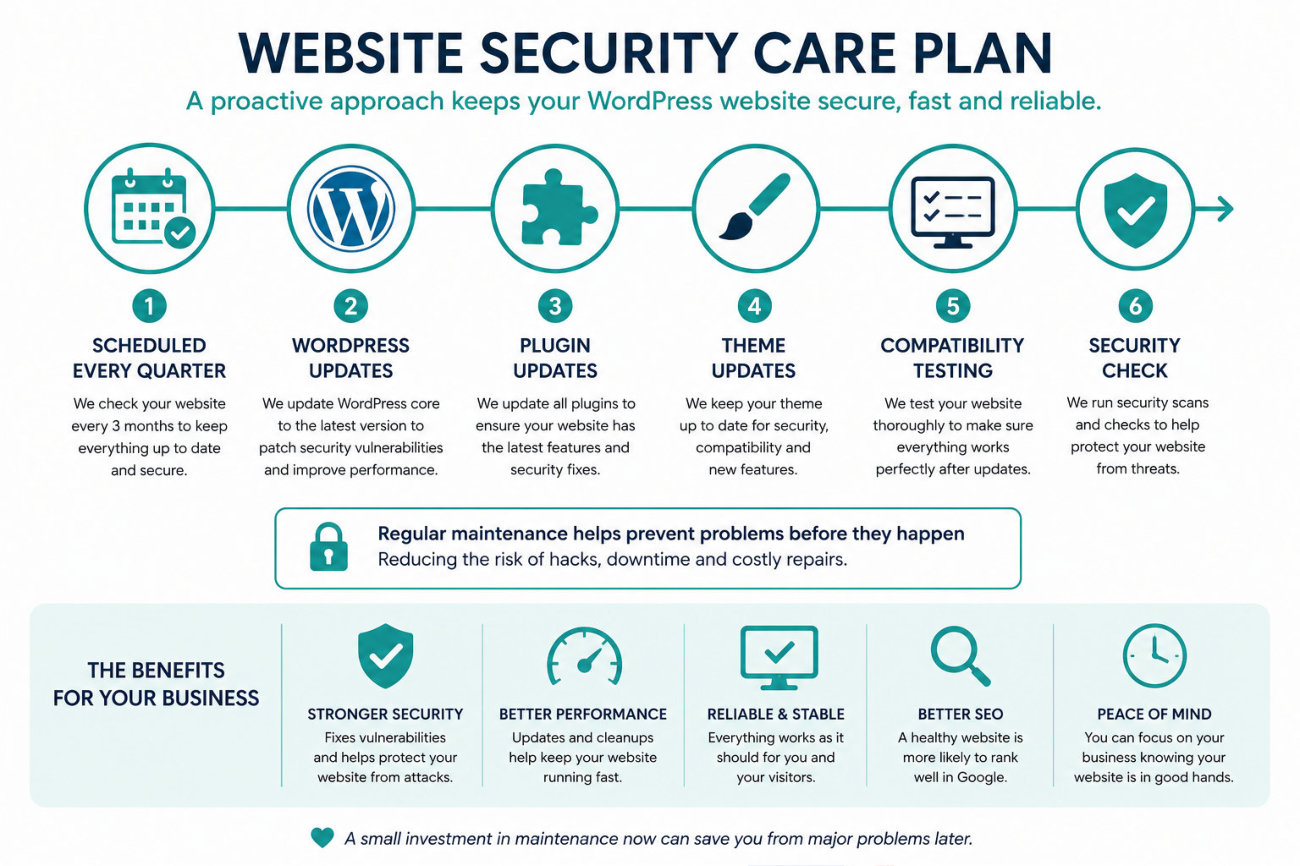
- Why regular updates reduce risk without guaranteeing complete protection
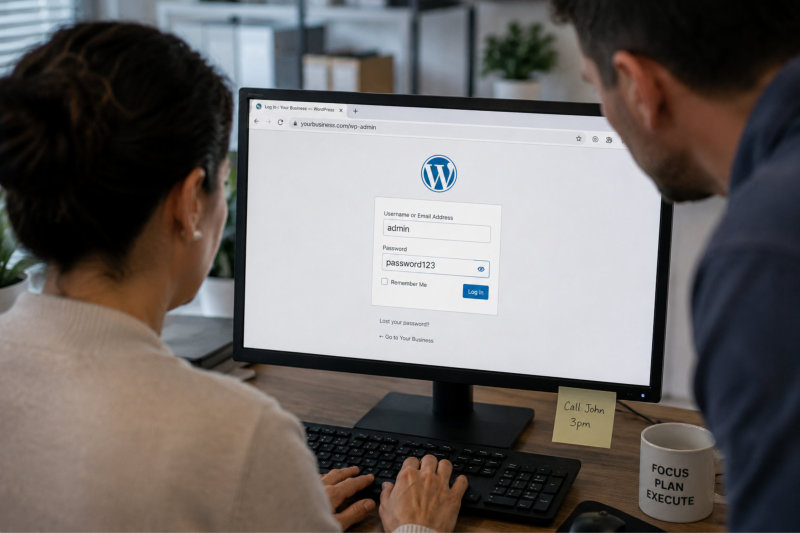
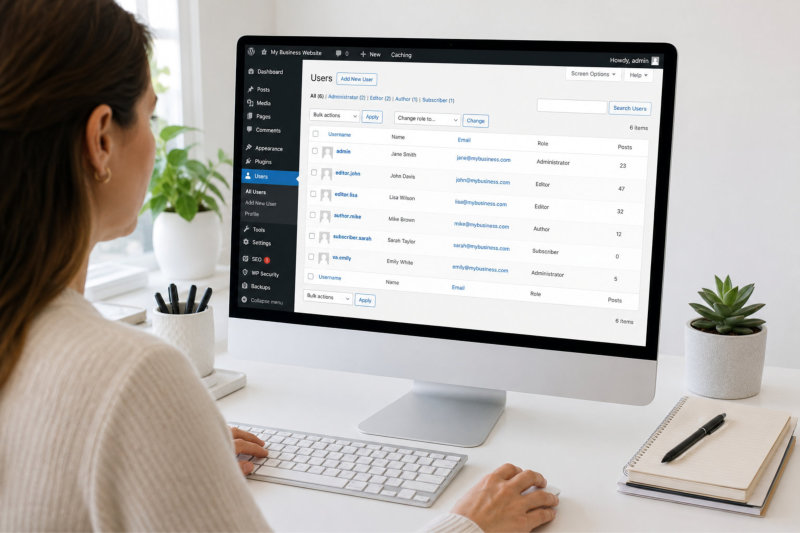
- How passwords and administrator access affect website security
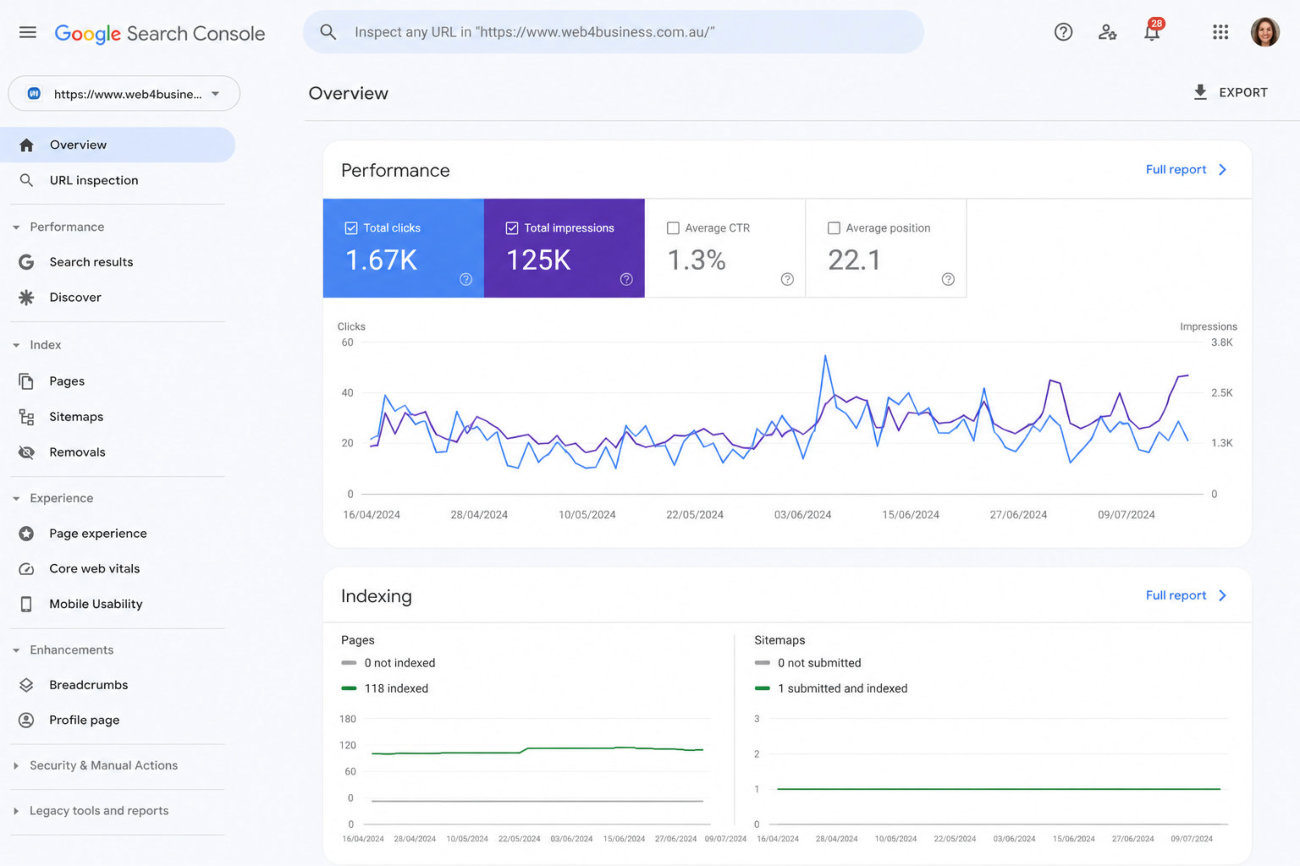
- Why backups, monitoring and Google Search Console matter
- What you should do if your website is compromised
- How regular Website Security Care Plans can help
Think of this as the security plan you want in place before a large red warning appears on your website.