ChatGPT Confession #012
I Knew the Destination but Had No Plan … ChatGPT Built the Itinerary
This is part of my ChatGPT Confessions series, where I test what ChatGPT can actually do in real-life situations.
View all ChatGPT Confessions
I knew I had to get from Melbourne back to Sydney, but that was about as far as my planning went. I wanted to take the coastal route, stretch the trip over a few days, and stop along the way. That’s exactly where I decided to plan a travel itinerary using ChatGPT, because I didn’t want to spend hours researching every possible stop.
I had just visited Jordan in Melbourne, and the drive back felt like an opportunity to turn a simple trip into something more enjoyable. I wanted overnight stays, scenic locations, and a few good drone flying spots along the way. The problem was, I hadn’t mapped anything out, and I knew I’d likely miss good locations if I tried to wing it.
From “I’ll Figure It Out” to a Structured Route
I gave ChatGPT the basics of what I wanted. I told it I was driving from Melbourne to Sydney along the coast, wanted to spread the trip over a few days, and needed suggestions for stops, accommodation, and places worth filming. I also included my budget range and asked for realistic options, not luxury splurges.
I asked it something along the lines of: can you plan a coastal road trip itinerary from Melbourne to Sydney over a few days, including scenic stops, drone-friendly locations, accommodation options within my budget, and places to eat, with a logical driving route?
Within seconds, it mapped out a clear itinerary. It included where to stop each day, how far to drive, suggested coastal towns, and even factored in pacing so the trip didn’t feel rushed. This was AI travel planning doing what it does best, turning vague ideas into something structured.
What It Actually Delivered
The itinerary wasn’t just a list of places. It connected each stop in a way that made sense geographically, which meant I wasn’t doubling back or wasting time. That alone saved me hours of figuring things out manually.
It also included accommodation suggestions that matched my price range, so I wasn’t jumping between budget options and expensive stays. On top of that, it suggested picturesque locations along the route that I could easily have missed if I had relied on a quick Google search.
The drone trip planning aspect was surprisingly useful as well. It highlighted areas that were visually interesting and worth stopping for, which meant I didn’t have to guess where to pull over and hope for the best.
What Changed for Me
Once I had the itinerary, the trip felt completely different. I wasn’t second-guessing where to go next or wondering if I was missing something better just up the road. Everything had a clear flow, which made the whole experience more relaxed.
I still had flexibility, which was important. If I wanted to stay longer somewhere or skip a stop, I could, but I always had a solid plan to fall back on. That balance between structure and freedom made a bigger difference than I expected.
What This Made Me Realise
Before this, I assumed planning a trip like this would take hours of research and comparing options. That’s usually how it goes when you’re trying to piece together routes, accommodation, and activities on your own. This time, it took minutes.
More importantly, I realised how easy it is to miss great locations when you rely on scattered searches. AI travel planning pulled everything together in one place, which made the process far more efficient and far less frustrating.
If you’re curious how AI can help with similar tasks across your business or personal life, this is a good place to start:
121 Practical Things AI Can Help With When You’re a Solo Business Owner
Why This Matters Beyond Travel
This isn’t really about road trips. It’s about how you approach planning anything that has multiple moving parts. Most people either over-plan and get overwhelmed or under-plan and hope for the best.
Using AI gives you a structured starting point without the time investment. That’s useful whether you’re planning travel, mapping out content, or organising client work. It removes the guesswork and gives you something practical to work with.
You can explore more ways to apply this thinking here:
AI & Automation
And if you want to see how to write prompts that actually give you useful results, I’ve shared examples here:
ChatGPT Prompts
Where This Fits In the Bigger Picture
This experience changed how I approach planning in general. I don’t start from scratch anymore, and I don’t waste time trying to find everything manually. I use AI to create a strong first version, then adjust from there.
If you want to explore more real examples like this, you can browse the full series here:
ChatGPT Confessions Hub
And if you’re looking to save time across different areas of your business, I’ve put everything together in this guide:
Wait. You Can Do That? – Save Time with AI
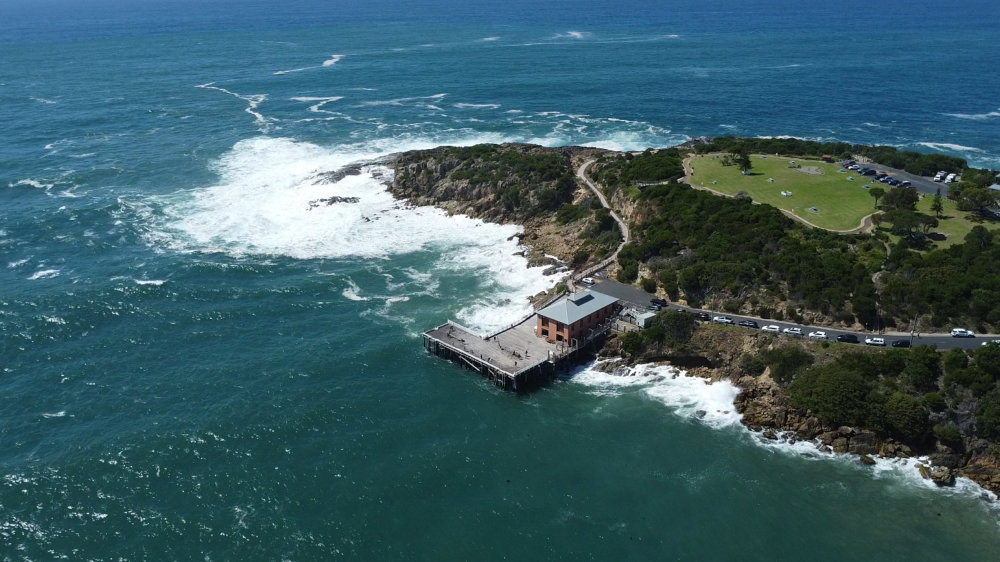
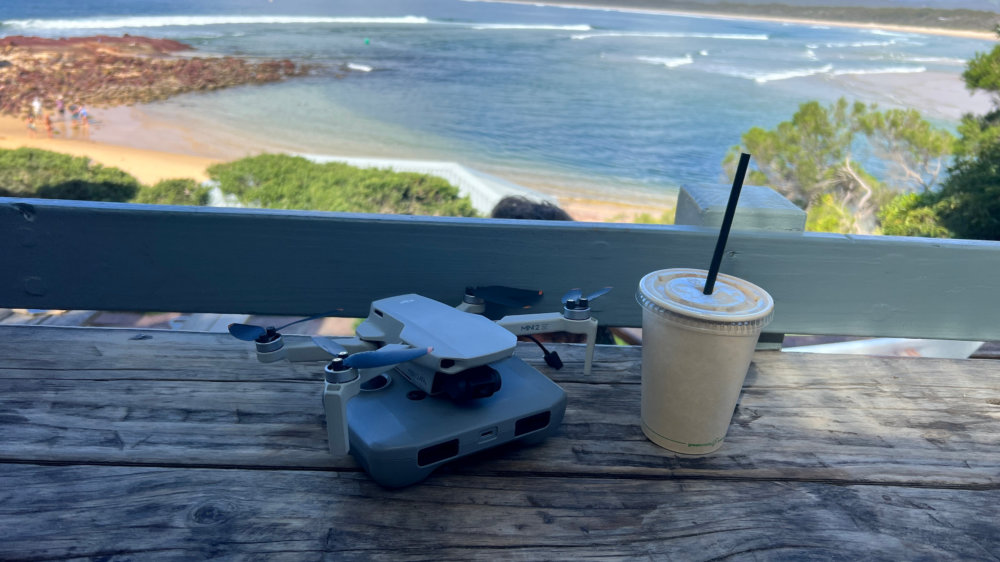
Photo Gallery from the Trip


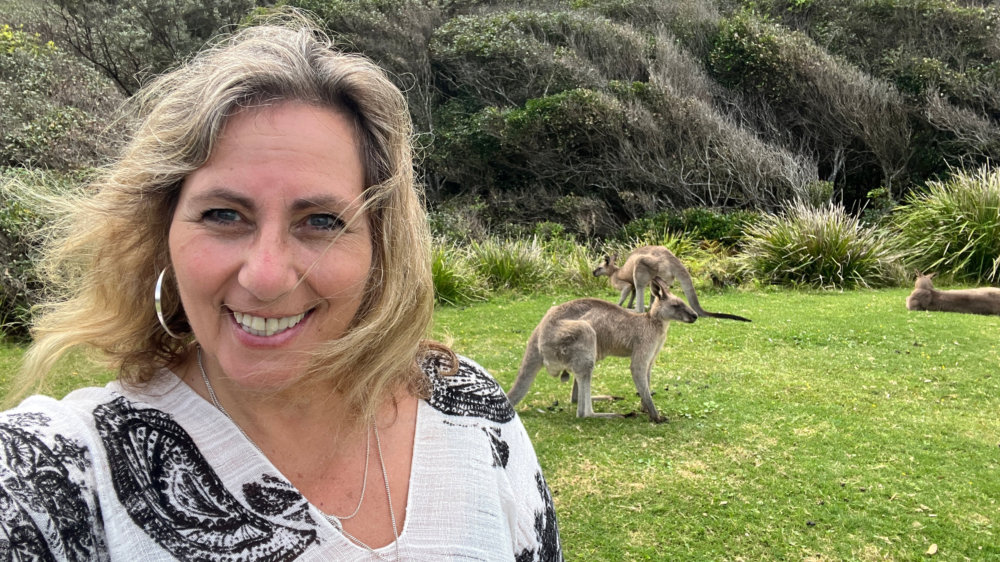
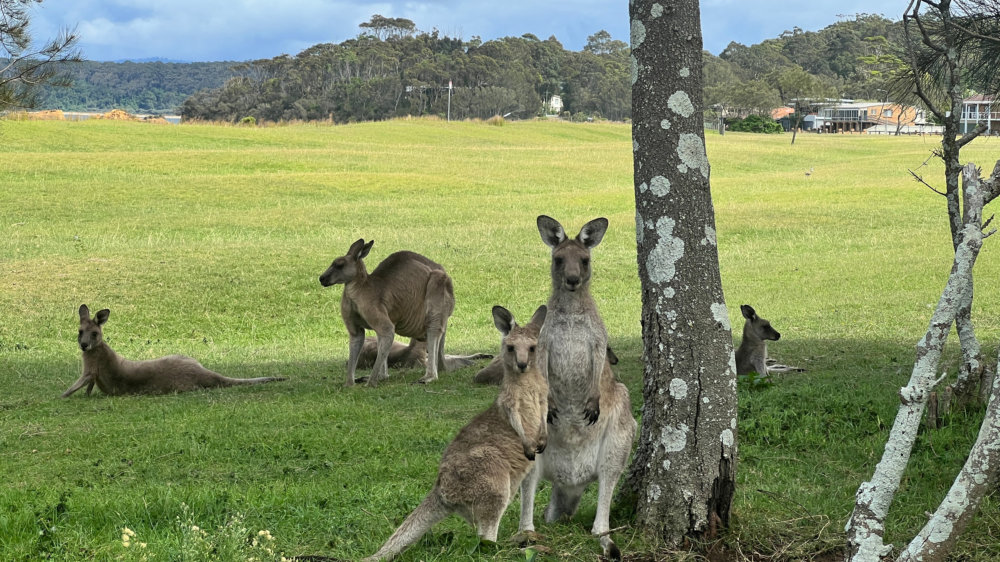
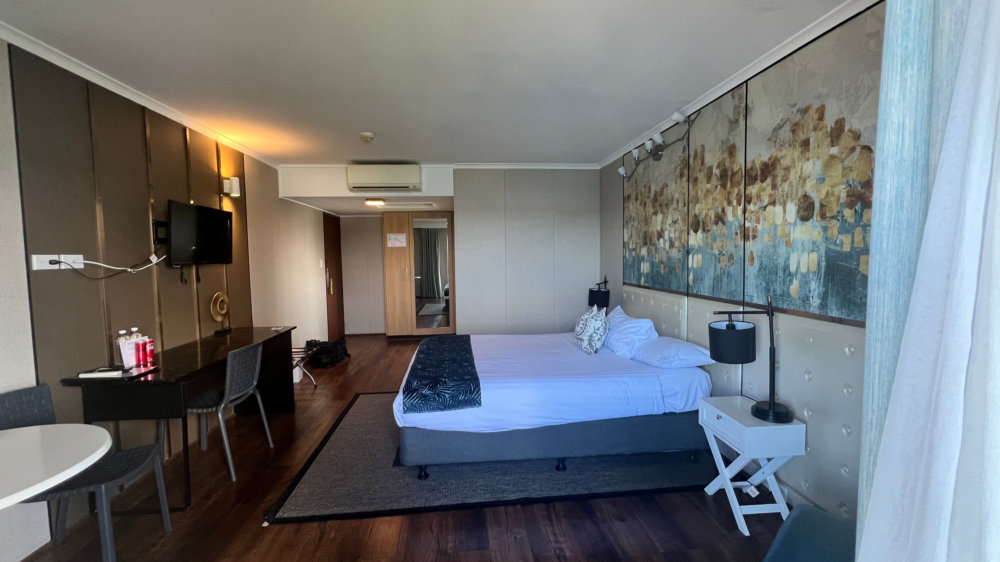


Frequently Asked Questions
How can ChatGPT help plan a travel itinerary effectively?
ChatGPT can take a few key inputs such as destination, timeframe, budget, and preferences, and turn them into a structured itinerary. It connects locations logically, suggests stops, and reduces the need for multiple searches. This makes the planning process significantly faster and more organised.
Is AI travel planning reliable for real trips?
AI travel planning is a strong starting point, especially for structure and ideas. It’s useful for mapping routes, suggesting locations, and estimating travel time. It’s still important to double-check specific details like availability or local restrictions.
Can ChatGPT help with niche trips like drone travel?
Yes, ChatGPT can incorporate specific requirements like drone trip planning, scenic locations, or photography spots. By including those details in your prompt, you can get more tailored recommendations. This helps create a more personalised itinerary.
What kind of prompt works best for travel planning?
A clear prompt that includes your route, duration, budget, and interests works best. Asking for a structured itinerary with daily breakdowns and reasoning improves the quality of the response. The more context you provide, the better the output.
Can this approach be used for business planning as well?
Yes, the same approach applies to business workflows. AI can help structure content plans, project timelines, and task priorities. It provides a logical starting point that can then be refined based on real-world needs.
 Ivana Katz from Websites 4 Small Business is an award winning web designer who builds websites that build your business. She provides unbeatable web design services to fit your budget.
The end result? Professional, custom-made sites that give your business the extra oomph it needs to stand out from the competition and make an impact.
Whether you’re a brand-new business or an established one ready to improve your digital presence, Ivana makes it easy to get your business online very quickly. Her websites are professional, tailored to fit your budget, and give your business a serious boost.
Download your FREE copy of “Ultimate Website Design Secrets Blackbook – 10 Bulletproof Strategies for Designing an Outrageously Successful Website”