
11 Best Online Surveys Apps & Tools in 2021
Collecting customer feedback is important for business because of several reasons. Online surveys are one of the quick, cheap, and easy ways to reach, engage with, and receive feedback from your target audience. With these, you can choose who should take part in your survey. Their flexibility makes it easy for you to style the survey to suit your preferences and needs.
Your audience, too, tends to give honest feedback since they aren’t responding to someone in person. Further, as the margin of error is greatly reduced, the results are more accurate. And the survey tools make the analysis quick, just at the touch of a button.
This blog brings you a list of the best online survey apps and tools with many useful features and functionalities that make them ideal for use in 2021.
1. NotifyVisitors
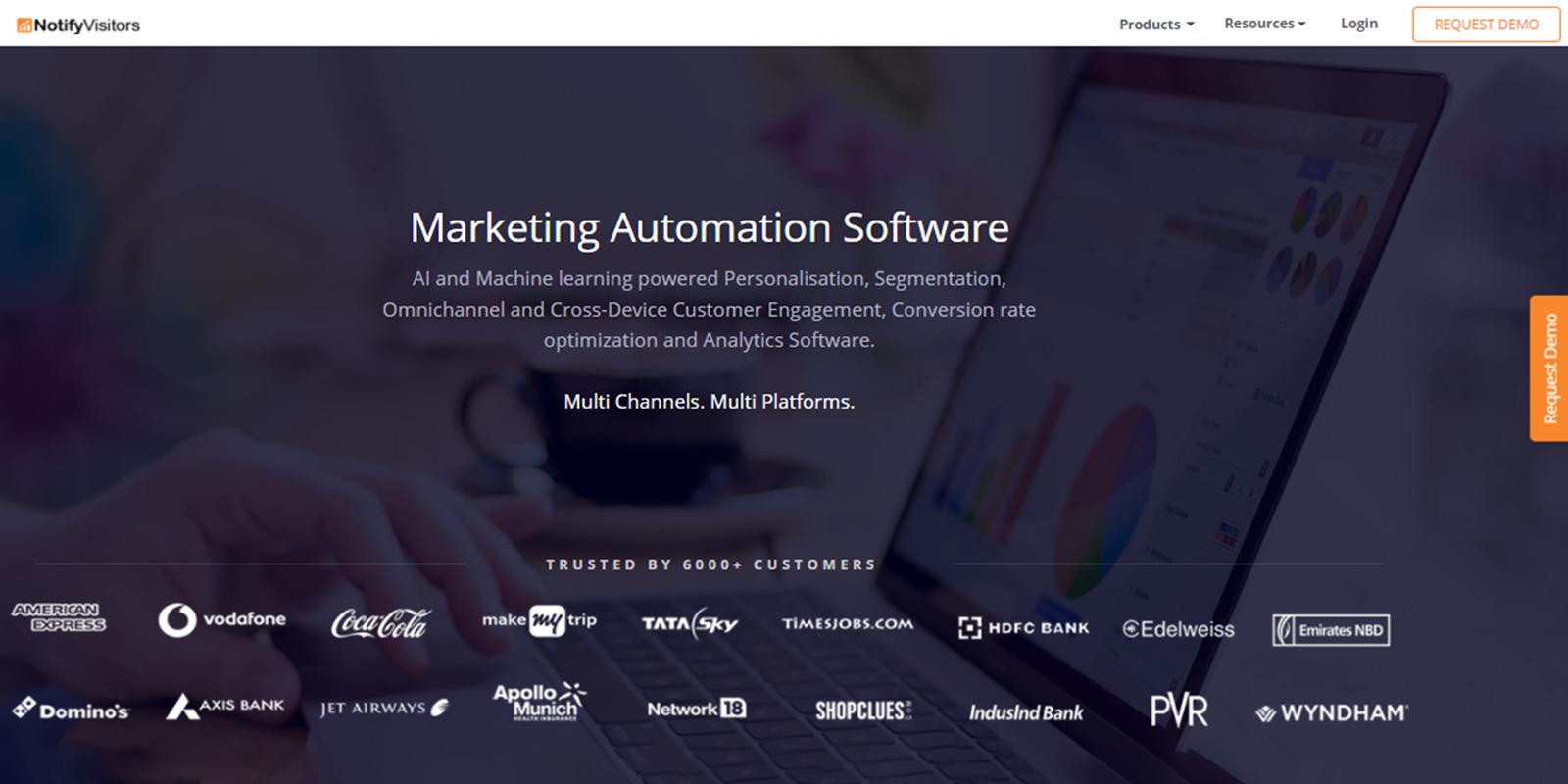
NotifyVisitors is a powerful online survey tool. You can find many ready-made templates and useful features in them to help you design in-depth surveys. You can use its advanced skip logic to design logical surveys, where irrelevant questions are skipped, and only the relevant ones are shown to each participant.
NotifyVisitors also lets you compare two versions of your survey (A/B testing) for picking the best performing variant therefrom. After coming up with a survey, the tool lets you distribute to your audience with its targeting feature. You can target the right audience based on their geographic locations, URL patterns, cookies, reference websites, time spent on those, etc.
Its instant modification feature allows you to make changes to your live surveys through its dashboard. These changes get reflected in real-time to your participants. The tool also provides you with detailed analytical reports of your survey’s response rates, responses, what works, and what doesn’t.
- NotifyVisitors is also known for its other products like heatmaps, marketing automation software, web push notifications, AMP development, PWA builder, and more.
2. KwikSurveys
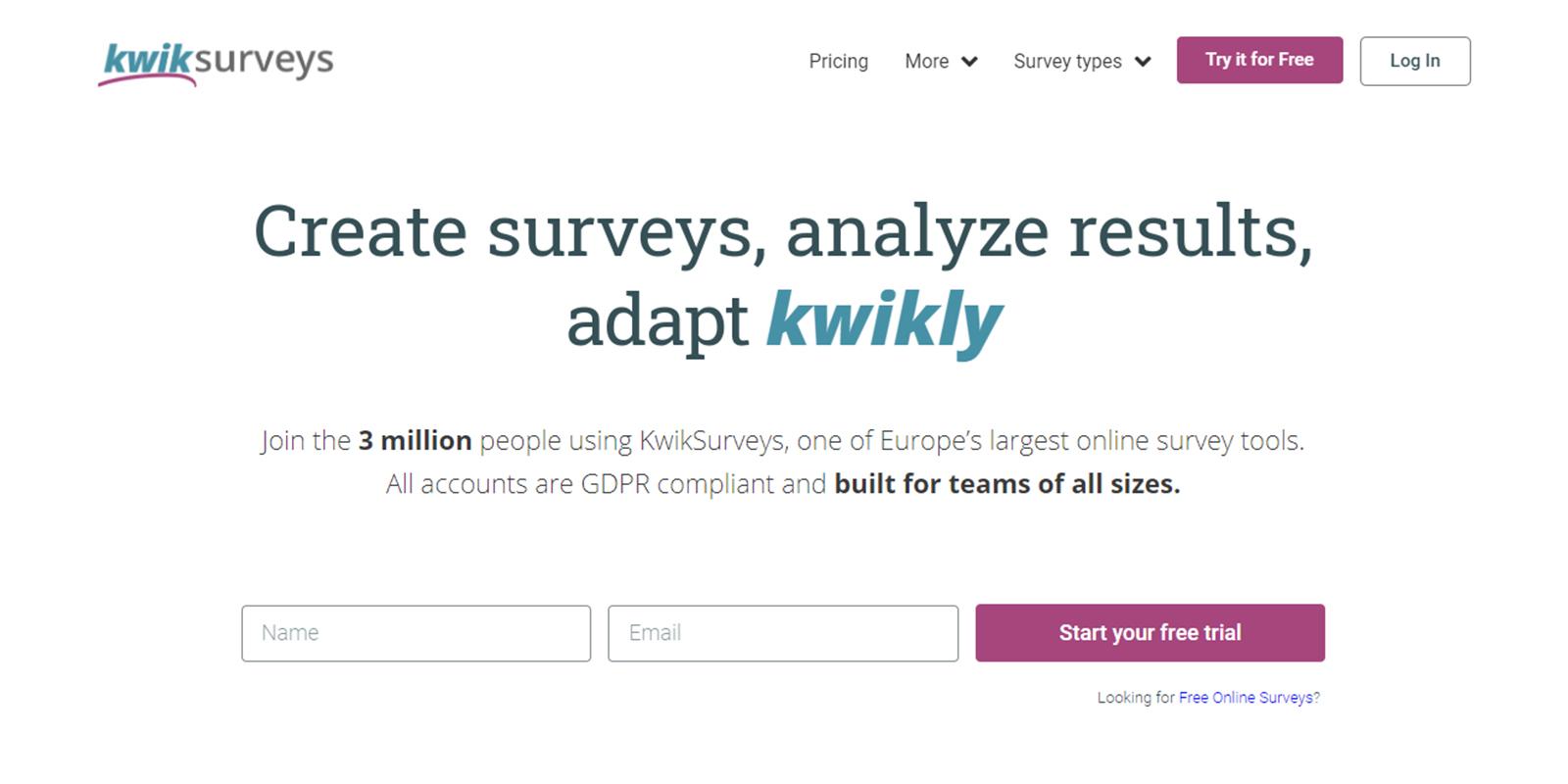
KwikSurveys is a web survey maker which offers unlimited online surveys, quizzes, and polls for free. You can choose from over 30 survey templates to create your survey. You can use its drag and drop editor found in its dashboard to incorporate your themes and brand imagery in your surveys. You can even A/B test two different variants to find the best performer.
You can now distribute your survey via shortlink, social media, email, website embed, or QR code. The tool allows you to personalize respondent paths using question logic, API data, and text piping. Its responsive design allows your respondents to seamlessly access it through their smartphones, desktops, and tablets.
KwikSurveys allows you to collect your survey data in real-time and analyze it immediately. You can identify the trends in your data using its segmentation and cross-tabulation tools. You can export the survey reports thus generated in a file format of your choice.
3. SoGoSurvey
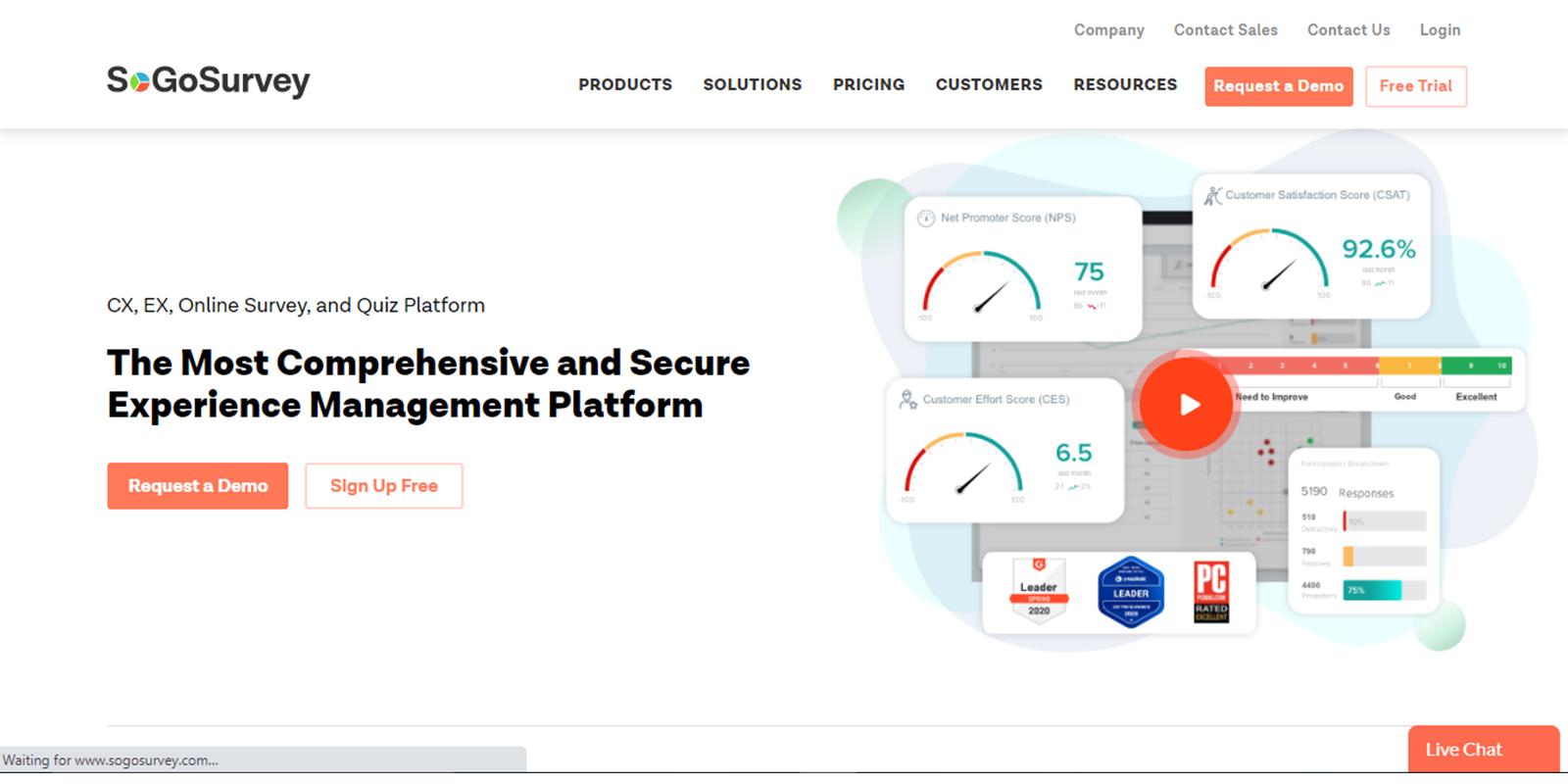
SoGoSurvey is a free tool for designing, distributing and analyzing your online surveys. You can use this tool to conduct unlimited surveys with unlimited questions. You can also use skip logic thrice in each survey. You can choose from several survey templates. And then, you can use its exceptional features like enabling answer attachments, pre-filling known data, drill-down questions, matrix grid (grouping related questions), and more to design and customize your survey.
After this, you can distribute your surveys through multiple channels whenever and wherever works the best. Functionalities including scheduled invitations, automated reminders, managed panels services, device-optimized surveys, multiple survey response restrictions, and more allow you to do this.
SoGoSurvey’s analytics allows you to look deep into the data gathered so that you can derive useful insights from it. It also has features to easily manage the data and share the reports with your team members.
4. 123FormBuilder
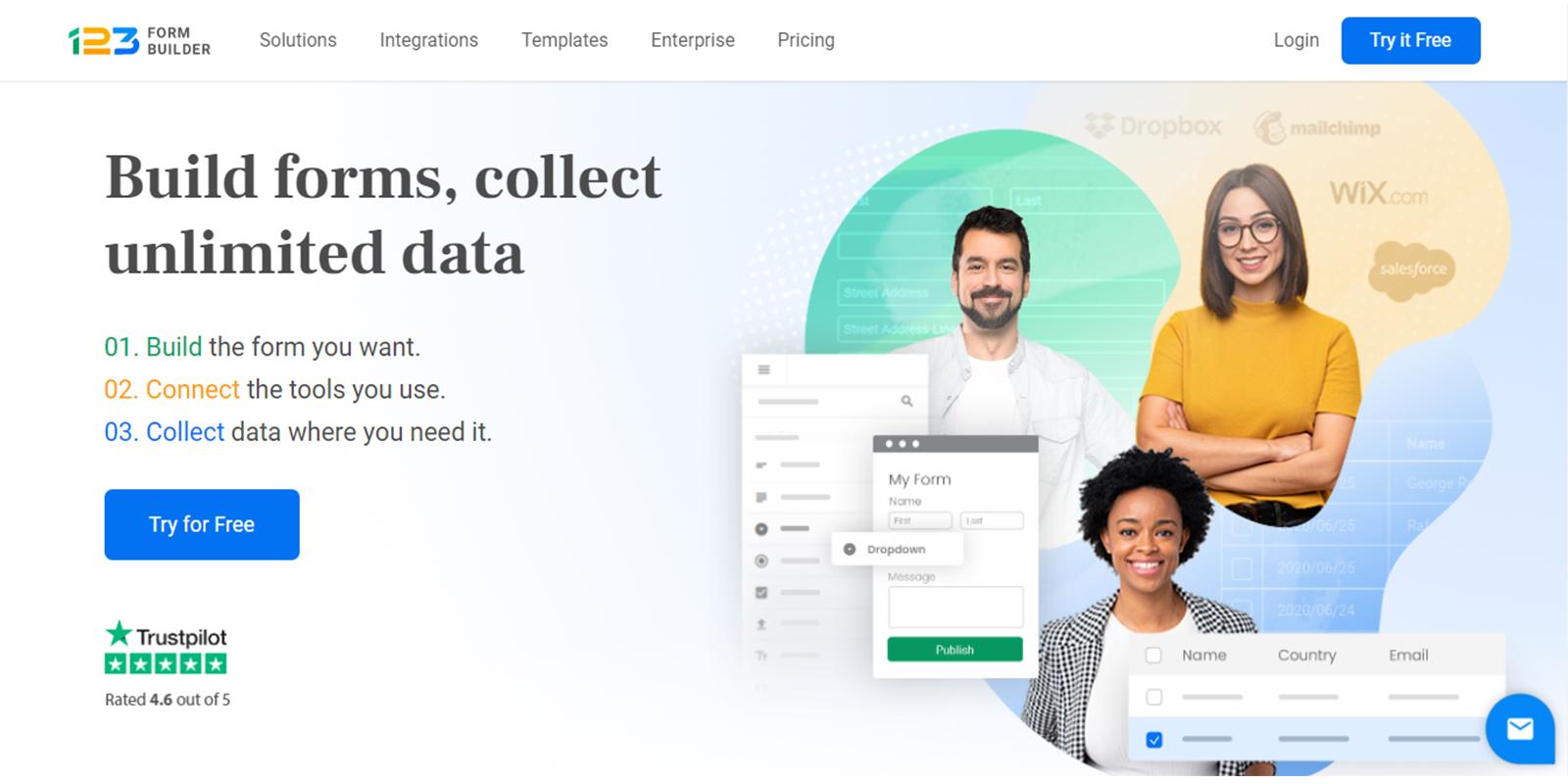
123FormBuilder is another online survey that helps you create different types of password-protected survey forms. You can choose to start from a template or customize your design. Its drag and drop editor simplifies the customization process for you. When you have conducted your survey, the tool provides graphical reports that give you an accurate view of the data collected.
123FormBuilder integrates with more than 80 popularly used platforms. Some of these are MailChimp, Salesforce, HubSpot, Weebly, Wix, Zoho, Stripe, Marketo, Google Drive, Blogger, Sitebuilder, Webydo, Typepad, WordPress, Moonfruit, and Joomla. So, you need not import, export, or manually enter data.
123FormBuilder offers four plans to choose from- basic, individual, team, and enterprise. Its basic plan is free forever. The most popularly used plan is Team, which comes at $49.99 per month billed yearly.
5. SurveyLegend
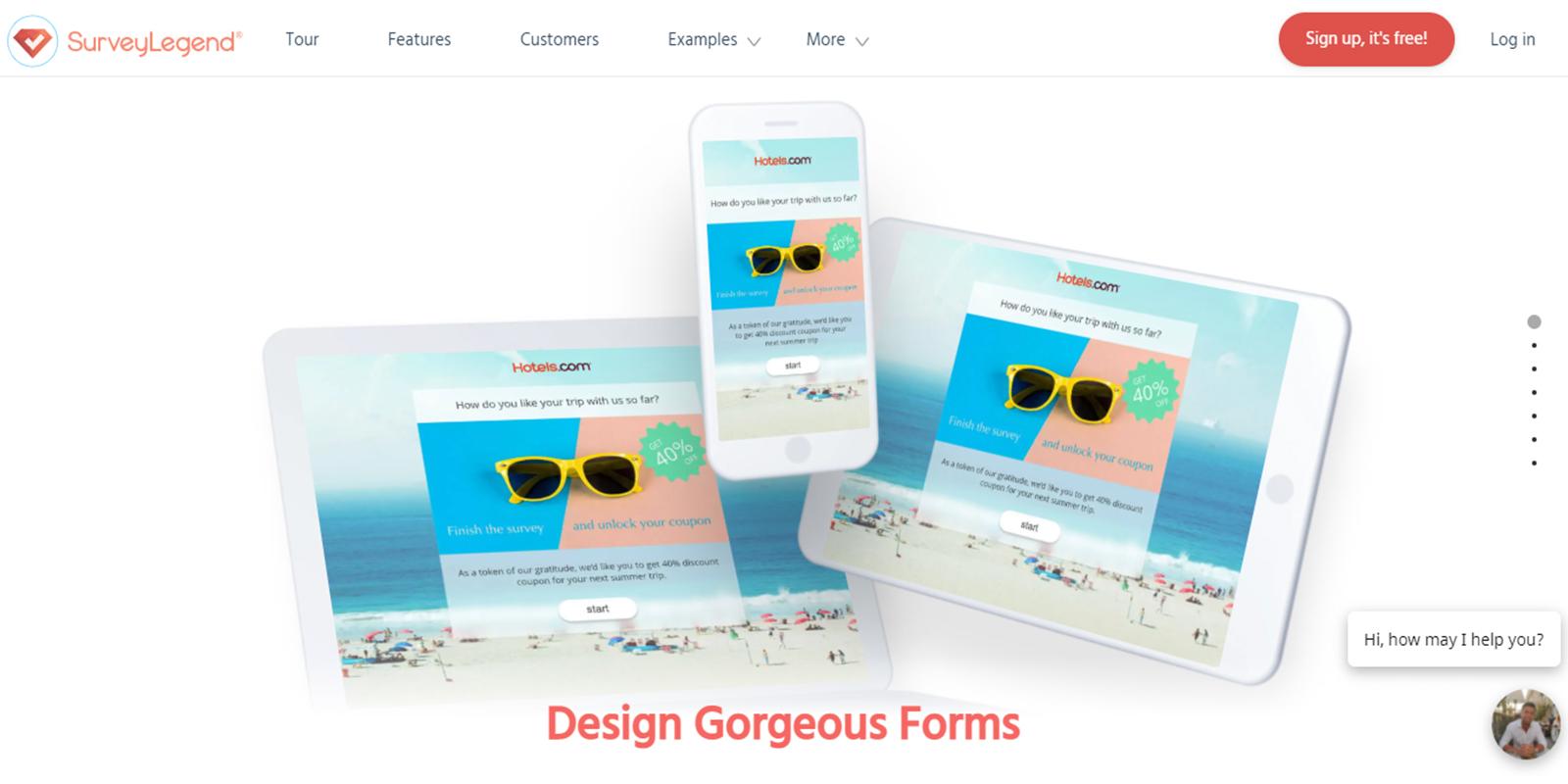
SurveyLegend is a tool for creating and distributing mobile-friendly surveys. You can create unlimited survey questions and responses. It presents numerous themes to choose from. You also get to choose from a range of survey question types, such as media-based, text-based, and choice-based.
You can customize the questions with maximum and minimum input values, scale rating ranges, typable emojis, pictures, required answers, typography and fonts, font adjustments, logic flows, and branching.
Once your survey is ready, SurveyLegend allows you to share it through email, blogs, websites, social media, and more. The tool also offers real-time data analytics to help you come up with conclusions, make informed decisions, and derive useful insights. You can export the survey data to Microsoft Excel, PDF, Google Drive, etc. You can also share it using a private or public link.
SurveyLegend offers four plans, including Starter, Pro, Business, and Legendary. The Starter plan is free forever.
6. SurveyNuts
SurveyNuts is a tool for creating multiple-choice questions and surveys easily. It allows you to include images in the survey title or any of your questions. You can even collect files from your respondents. The tool also lets you make modifications to your survey after its creation. You can even do a printer-friendly version of your survey.
Its other features include an interactive survey editor, text polls, picture polls, open-ended questions, file upload, theme selection, quiz making, branching logic, and mobile optimization. SurveyNuts allows you to share your survey in the form of a private URL which can be embedded in a social media account, email, or website.
You can see the preview of your survey response data in real-time. The result is displayed in the form of the number of votes, percentages, and dynamic bar charts. You can also filter results for a particular sub-section of participants by clicking on a response. Its unique reporting dashboard will come up with percentages and charts for this section alone so that you can visually compare it with the whole set of participants.

7. Alchemer
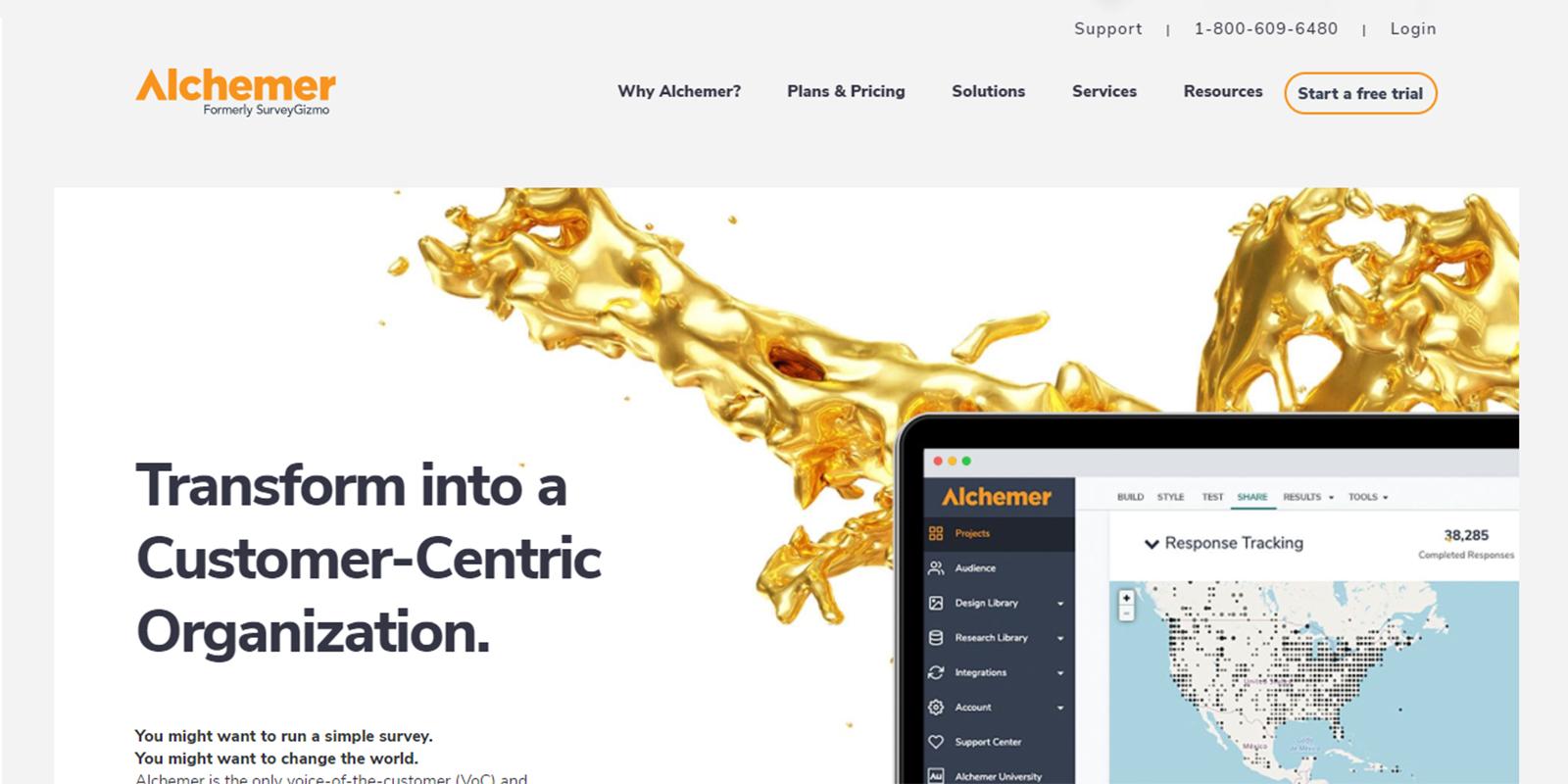
Previously known as SurveyGizmo, Alchemer is another online survey tool for creating stylish surveys. It offers 4 priced plans (Solo, Basic, Professional, and Enterprise) and a free plan. While the paid versions come with advanced features like data encryption, API, customized themes, multiple users, skip logic and piping, and integration with third-party extensions, the free version too is useful.
The free version allows only 50 survey participants per survey. However, it comes with unlimited surveys and questions. There are also free templates and several basic question-type suggestions. It also allows you to have multiple answer text fields for every single question. The tool comes with basic reporting and the option to export to a CSV file.
The best thing about Alchemer is that even the paid versions with a complete suite of features and functionalities are easy to use. However, many users find this tool quite pricey.
8. SurveySparrow
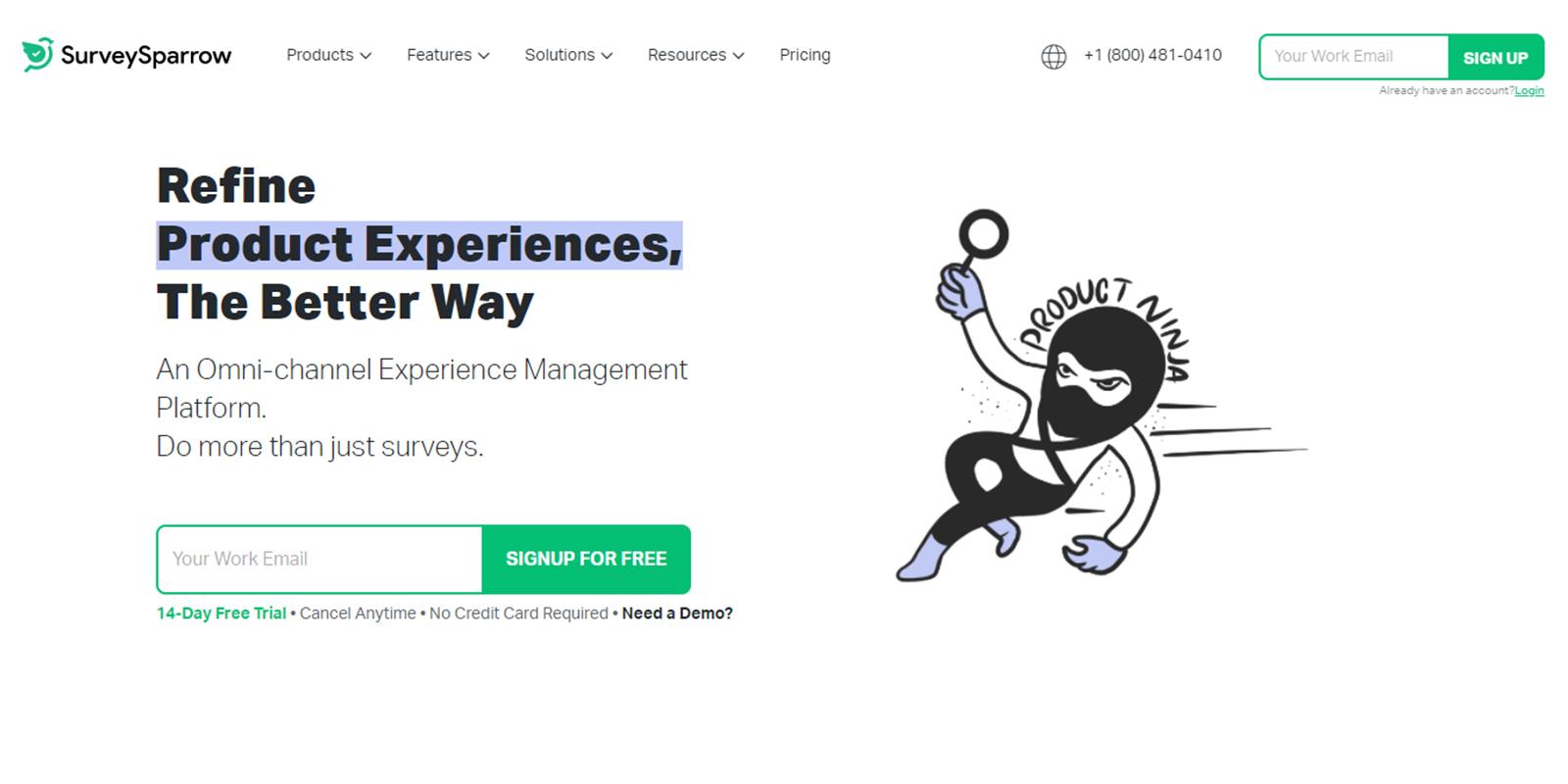
SurveySparrow has a friendly conversational user interface (CUI) like that of a messaging app. Its engaging and chat-like experience renders the feel of pleasant conversations to your bland surveys. The tool offers several templates to choose from and customize. If using templates is not on your mind, you can also opt to build your survey from scratch.
SurveySparrow’s surveys are multi-device compatible. It also allows you to white-label your surveys. That is, you can brand those with your brand’s colours and logos. You can also benchmark your NPS score to see how you fare against your competitors from across the world.
SurveySparrow facilitates multiple survey sharing options. Once the survey is completed, it presents you with the analytics in a visually attractive manner. You can thus derive deeper and rich insights from the data extracted. The survey tool can be integrated with different applications. You can also marketing automation software to send recurring and offline surveys.
9. Typeform
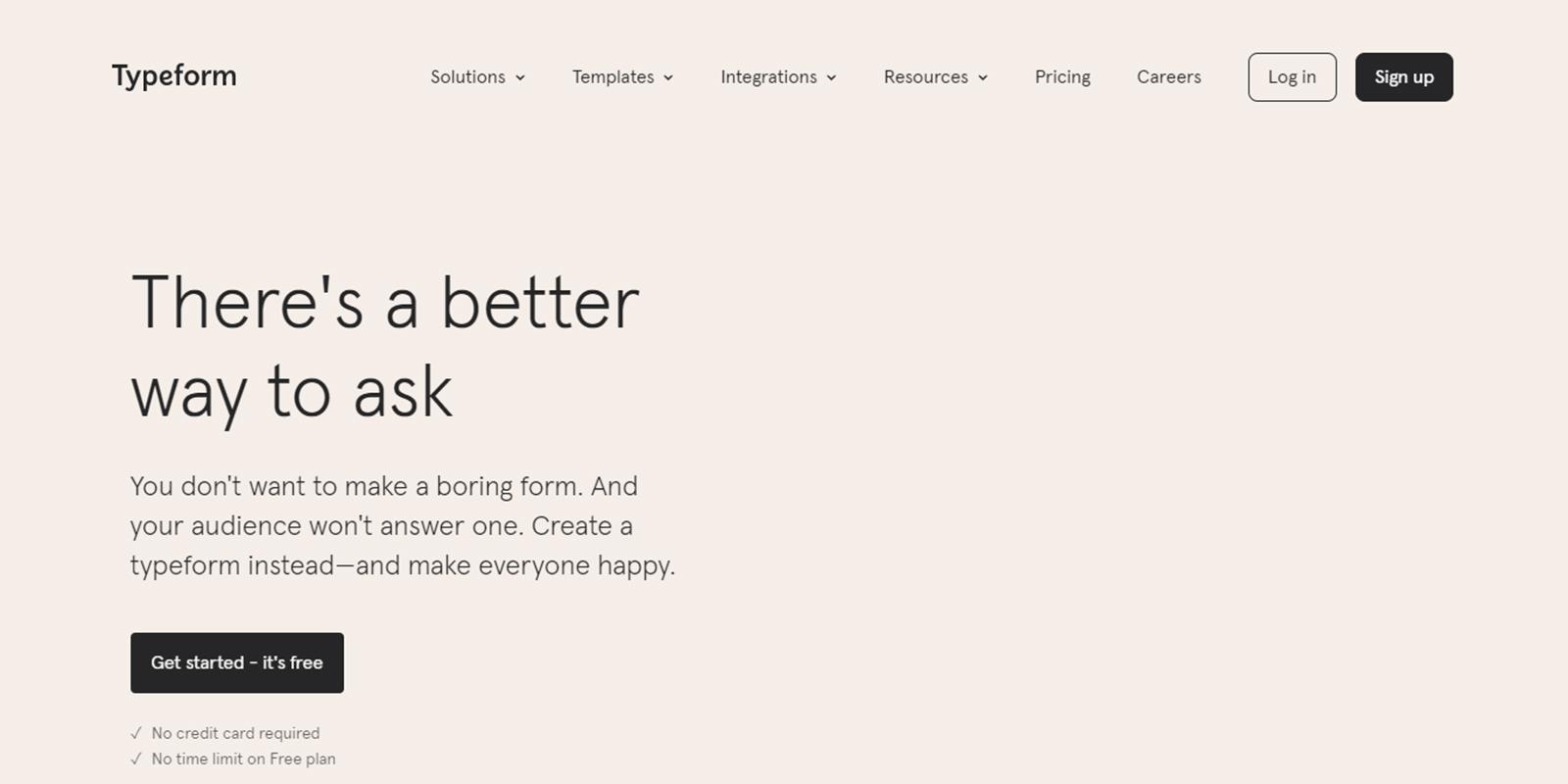
Typeform is another reputed online survey tool that lets you create responsive surveys. It offers unlimited questions and answers, a large collection of ready-made templates, and custom-designed themes. The admin panel is user-friendly and intuitive. Its drag-and-drop editor lets you drag and drop the form fields into the place that you select.
Typeform allows the nice, clean, and professional presentation and formatting of your survey. You can set up online polling, multiple question types, question branching, images/videos/audios, and skip logic. Its unique interface displays only a single question at a time. This allows the participant to focus better.
The other features of this survey tool are:
- Email distribution tools.
- Feedback management.
- 360-degree feedback.
- Basic reporting/analytics.
- Live results tracking.
- Data analysis tools.
- Data export options.
10. Survio
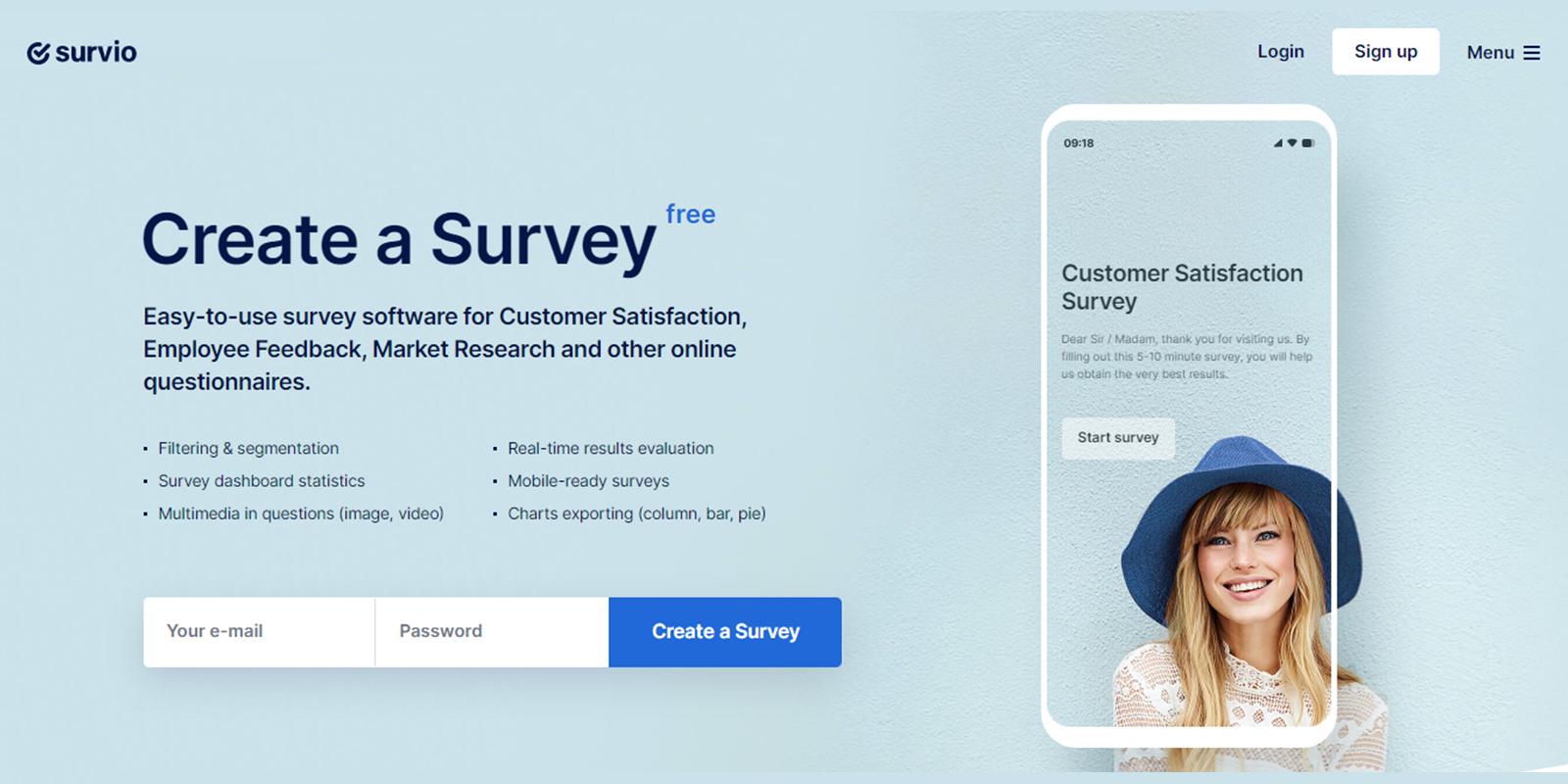
Survio is an easy-to-use software for creating surveys, collecting feedback, and analyzing and sharing data. It has a free version and offers a free trial for the priced versions. It has a user-friendly, clear, intuitive, and easy-to-navigate dashboard that provides you with a lot of options and question models.
It has a wide range of templates, a question library, a question branching feature, multiple question types, and more to help you create and customize your survey. All of its surveys are modern-looking and mobile responsive so that your participants can see those from any kind of device they are using.
Survio is loaded with powerful features for multi-channel distribution, feedback management, live results tracking, multi-channel data collection, data analysis, offline response collection, and more. And the best thing is that nothing is complicated. So, not only brands and businesses but also many students use it.
11. Hotjar
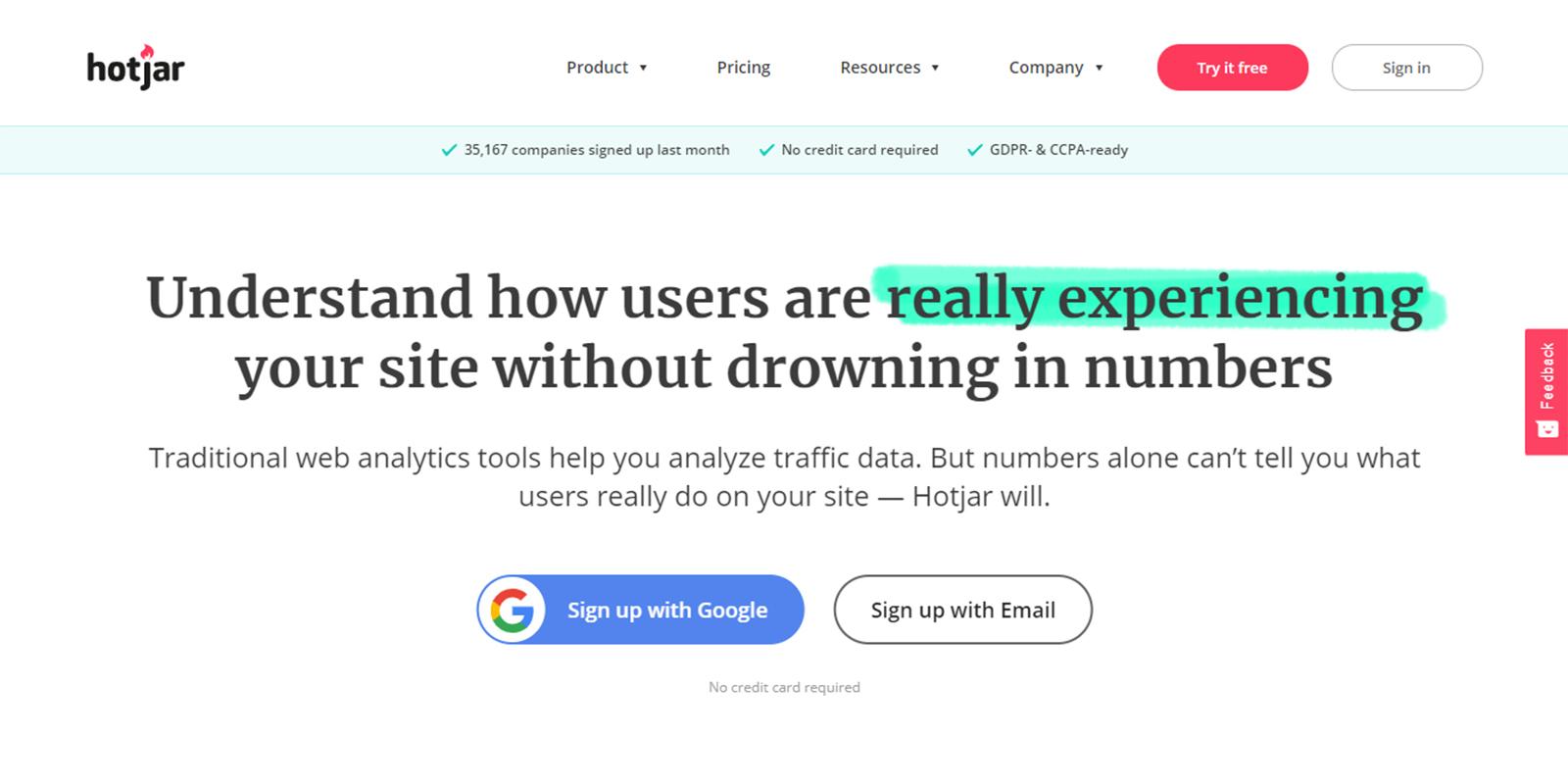
Hotjar is another renowned online survey tool. It helps you come up with easy-to-use, cross-device surveys. You can create surveys with multiple formats of questions and answers to suit your need. You may choose Short text answers, Long text answers, Checkboxes, Radio buttons, and Net Promoter Score. You can distribute your survey via email or a link.
Your survey participants can find it easy to fill in their responses as the survey format supports dynamic content. That is, only those questions that are relevant to a particular respondent are displayed to him.
- Once your survey is over, the tool collects the responses and analyses the data. Hotjar’s easy-to-absorb dashboard with its visual presentation provides you with a good idea of your participants’ thoughts. You can analyze the responses and discover valuable trends. You can also export data to your other team members. A unique feature of this tool is that it offers multilingual support. Hotjar is also known for its other products like heatmaps and session replays.
Final words
Surveys help you better understand your users and build your brand. While you pick a tool for you, make sure that it suits the size of your business. Also, do consider its ease of use, cost, and customer experience. Make sure that it integrates with your website and tools that you are currently using or plan to use shortly.
Another important thing is to get to know its support and update policy. Make sure that the quality of customer support it provides is good. Reading online reviews can give you a deeper insight into this. It would be good to test a few picks before you settle for one.
Author Bio
Shivani Goyal:
Shivani is a content writer at NotifyVisitors. She writes SEO articles, blogs, and guest posts for businesses to improve website ranking on SERP. She follows a balanced approach to the quality of content and its marketing. She loves to be creative, although she had an English major in her graduation.

Ultimate Website Design Secrets Blackbook
Insider secrets and simple tweaks you can make
to your website today that will make a huge
impact on your bottom line …