The 8 CRMs Every Modern Business Owner Should Consider
Managing customers shouldn’t feel like juggling a dozen sticky notes, scattered spreadsheets, and half-remembered emails. As your business grows, staying organized and personal with every lead gets tougher — and that’s where a Customer Relationship Management (CRM) system becomes your secret weapon.
A CRM helps you track leads, manage sales pipelines, automate communication, and maintain relationships without chaos. It turns data into clarity — showing who to follow up with, what stage each deal is at, and how your team is performing. In short, it keeps your sales process smart and your customers happy.
Below, we’ll look at eight standout CRMs — from all-in-one tools to enterprise-grade platforms — and explain what makes each one special. Whether you’re a solo entrepreneur or managing a growing team, there’s a perfect fit waiting for you.
1. SendPulse
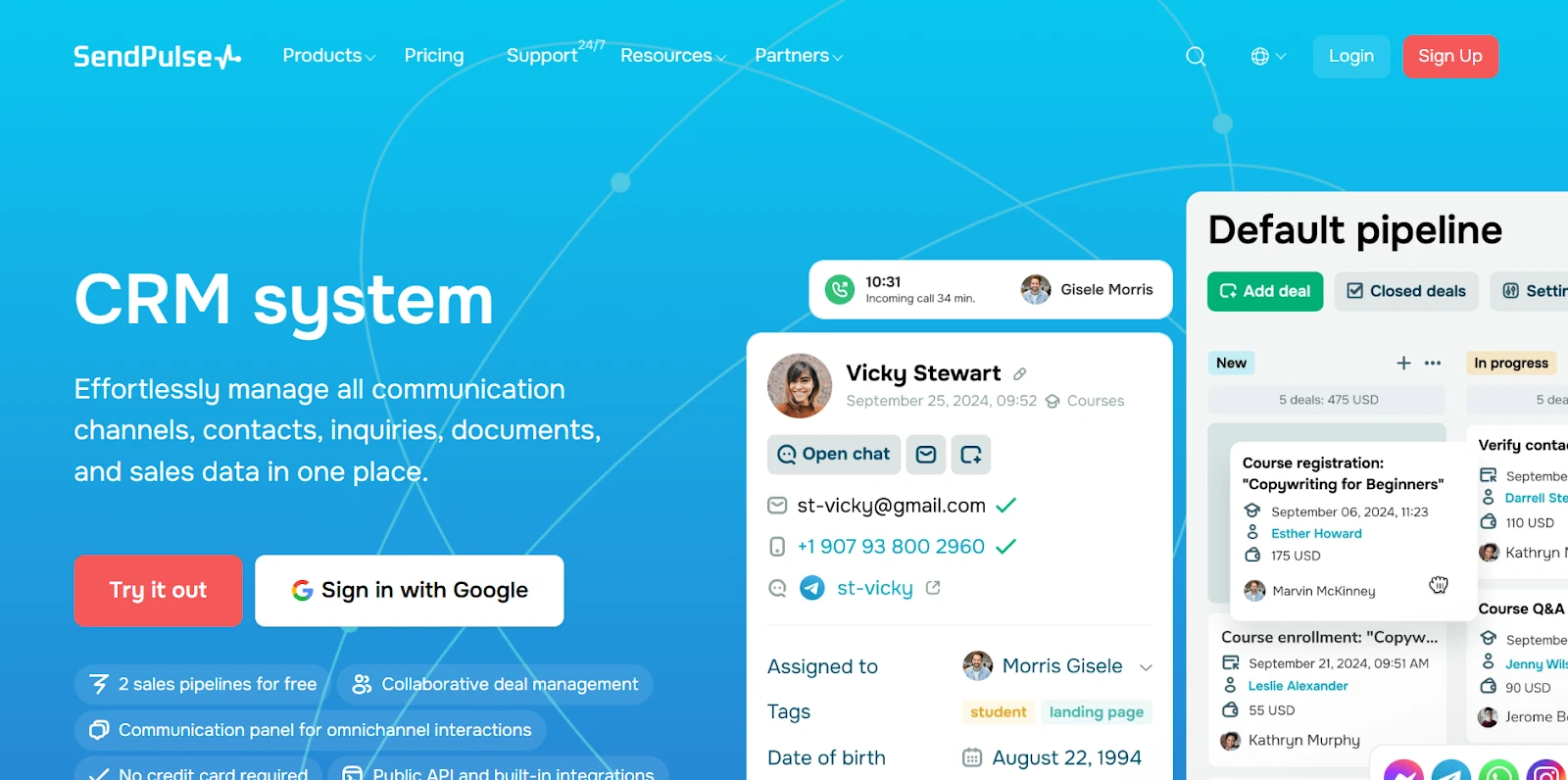
SendPulse feels like the CRM designed with small and growing businesses in mind. It’s clean, intuitive, and combines sales, marketing, and customer communication under one roof. Whether you’re managing pipelines, sending campaigns, or nurturing leads, everything connects seamlessly — saving time and effort.
Pricing:
SendPulse offers a free plan for the account owner and up to four teammates, making it ideal for small teams just getting started. Paid plans unlock deeper automation and integrations, starting from around $15 per user/month, depending on usage and advanced CRM features.
Key Features:
- Unified contact hub: Centralize all your customer data with custom fields, notes, and automatic updates. Perfect for keeping every interaction organized.
- Pipeline management: Create multiple sales pipelines to track deals visually. You can drag and drop leads between stages and see where every opportunity stands.
- Task and activity tracking: A built-in task board helps your team stay on schedule — assign follow-ups, set reminders, and manage workload easily.
- Multichannel communication: Chat, email, and even chatbots are integrated into one ecosystem, so your team can handle everything without switching tools.
- Reports and forecasting: Real-time sales insights and deal analytics help you spot trends and make informed decisions.
- Ease of migration: Import contacts in seconds via CSV or vCard. Ideal for teams switching from another system.
- 24/7 support & learning resources: Live chat, tutorials, and an active community make onboarding easy.
Why it stands out: SendPulse brings together marketing automation, CRM, and communication tools in one platform. You don’t need to juggle five subscriptions — it’s an affordable, scalable solution that grows with your business. One of the most recent updates to SendPulse’s CRM functionality was WhatsApp CRM integration that simplifies fowrkflows for business that use WhatsApp for customer communications.
2. Cheetah Digital
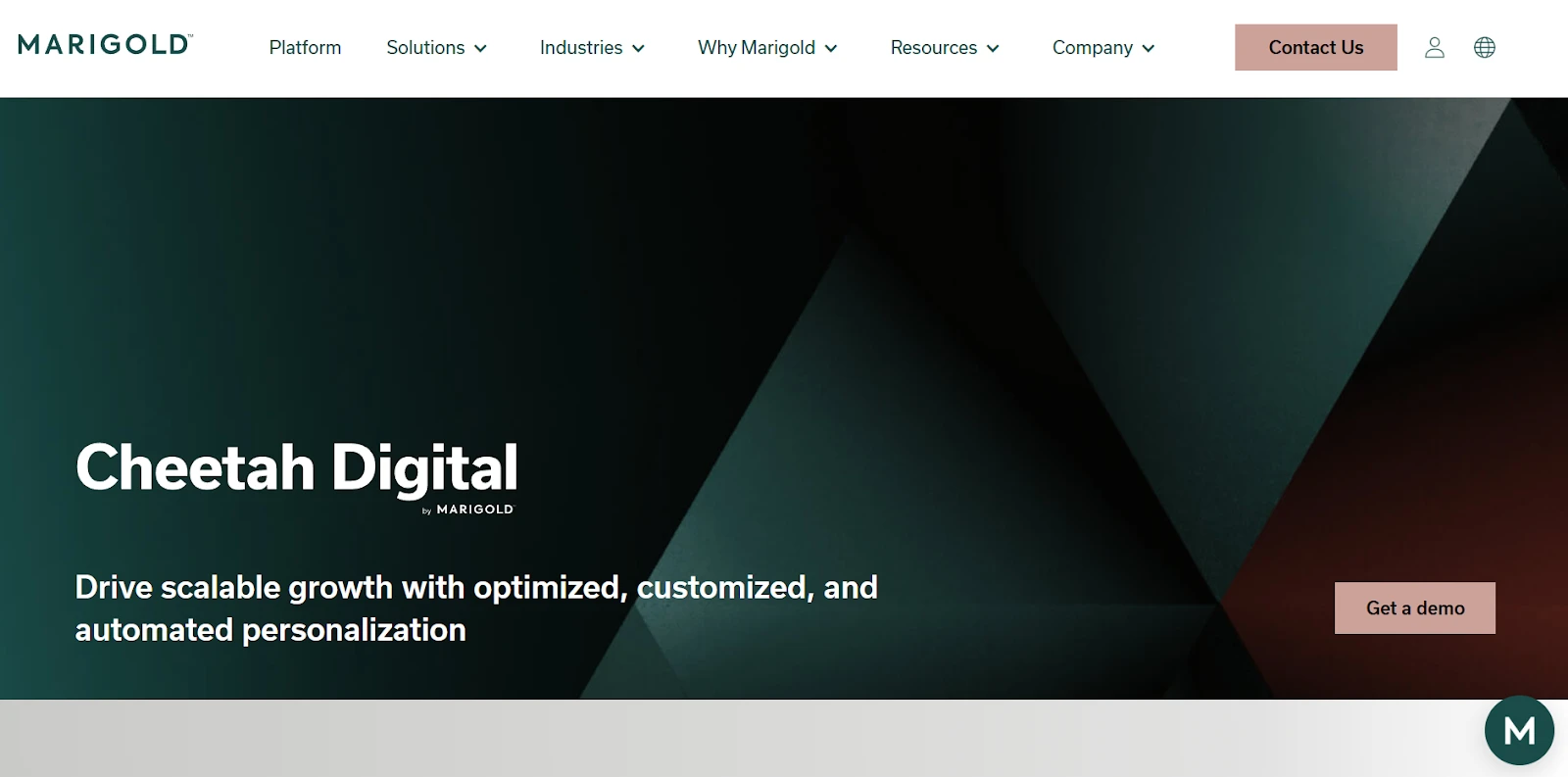
Cheetah Digital, now part of Marigold, focuses on large-scale customer engagement. It’s built for brands that want deep personalization and complex data management. If your team thrives on analytics and segmentation, this platform will feel right at home.
Pricing:
Cheetah Digital is a custom-priced solution — plans are negotiated directly through the sales team. In general, enterprise implementations start around $1,000/month and scale upward, depending on database size, API access, and analytics requirements.
Key Features:
- Robust customer profiles: Combine behavioral, transactional, and preference data for a 360° customer view.
- Campaign automation: Run personalized, multi-step journeys across email, SMS, and web channels.
- Loyalty management: Built-in loyalty tools let you create rewards programs and track customer retention.
- Data privacy and compliance: Strong GDPR and CCPA tools for managing permissions and data protection.
- Advanced analytics: Real-time dashboards highlight campaign performance and revenue attribution.
Why it stands out: Ideal for enterprises needing complex personalization and compliance management. However, for small businesses, it might feel too heavy.
3. Pipedrive
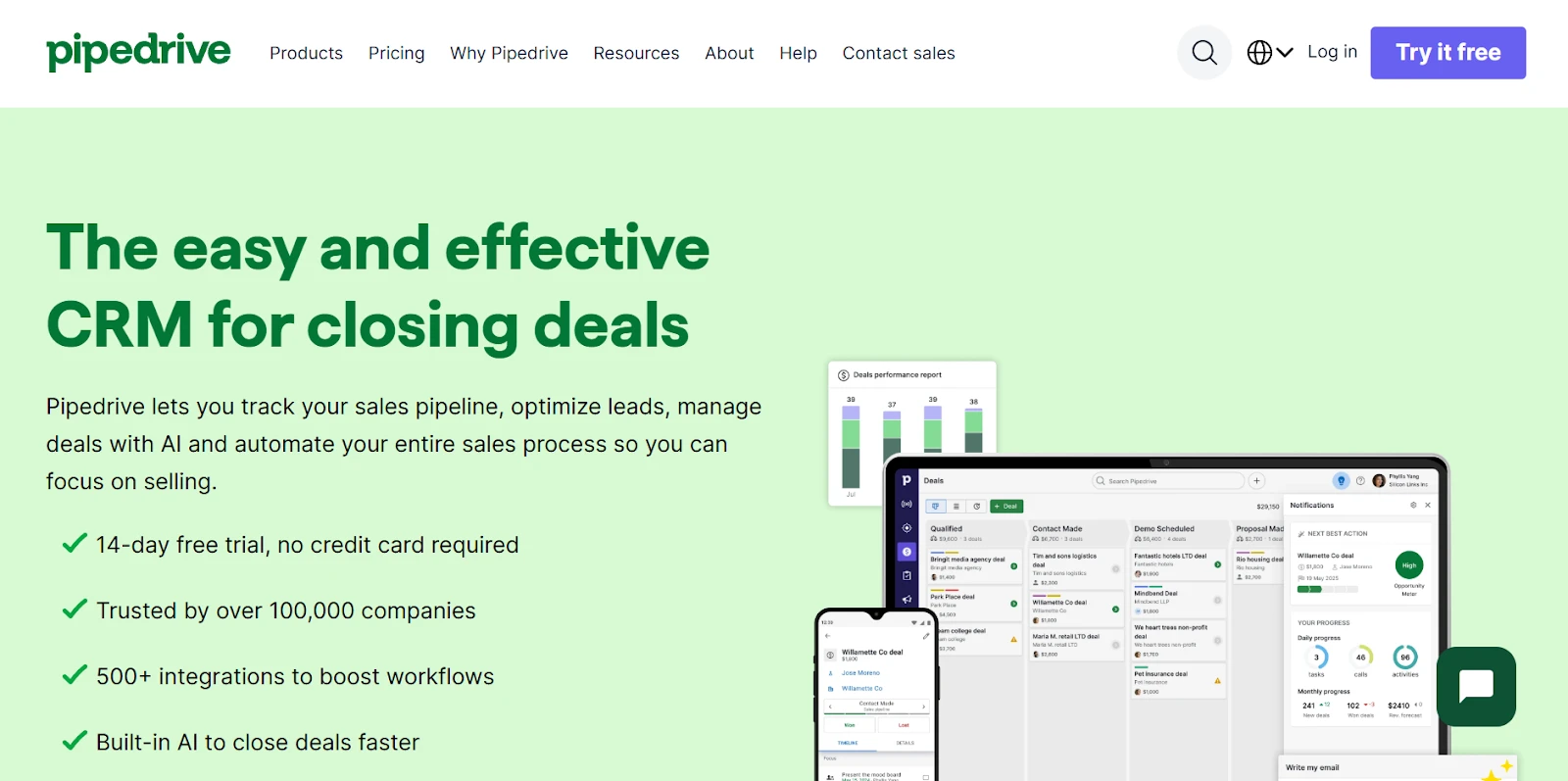
Pipedrive is known for its simplicity and visual approach to managing sales. It’s like having a whiteboard for your deals, helping sales teams focus on what matters most — closing more deals faster.
Pricing:
There’s no free plan, but a 14-day free trial is available. Paid tiers start at around $15/user/month for the Essential plan, scaling up for features like workflow automation and analytics in higher tiers.
Key Features:
- Pipeline visualization: Clear drag-and-drop pipelines that make sales progress easy to track.
- Email synchronization: Syncs with Gmail and Outlook to log conversations automatically.
- Lead and deal management: Helps prioritize leads with activity reminders and deal probability tracking.
- Automation tools: Set up triggers for tasks, emails, or deal updates to save manual work.
- Integrations: Works well with tools like Zoom, Slack, and accounting platforms.
Why it stands out: Pipedrive’s biggest win is its ease of use. It’s perfect for teams that want a simple sales-focused CRM. Still, it lacks built-in marketing and communication tools.
4. Ontraport
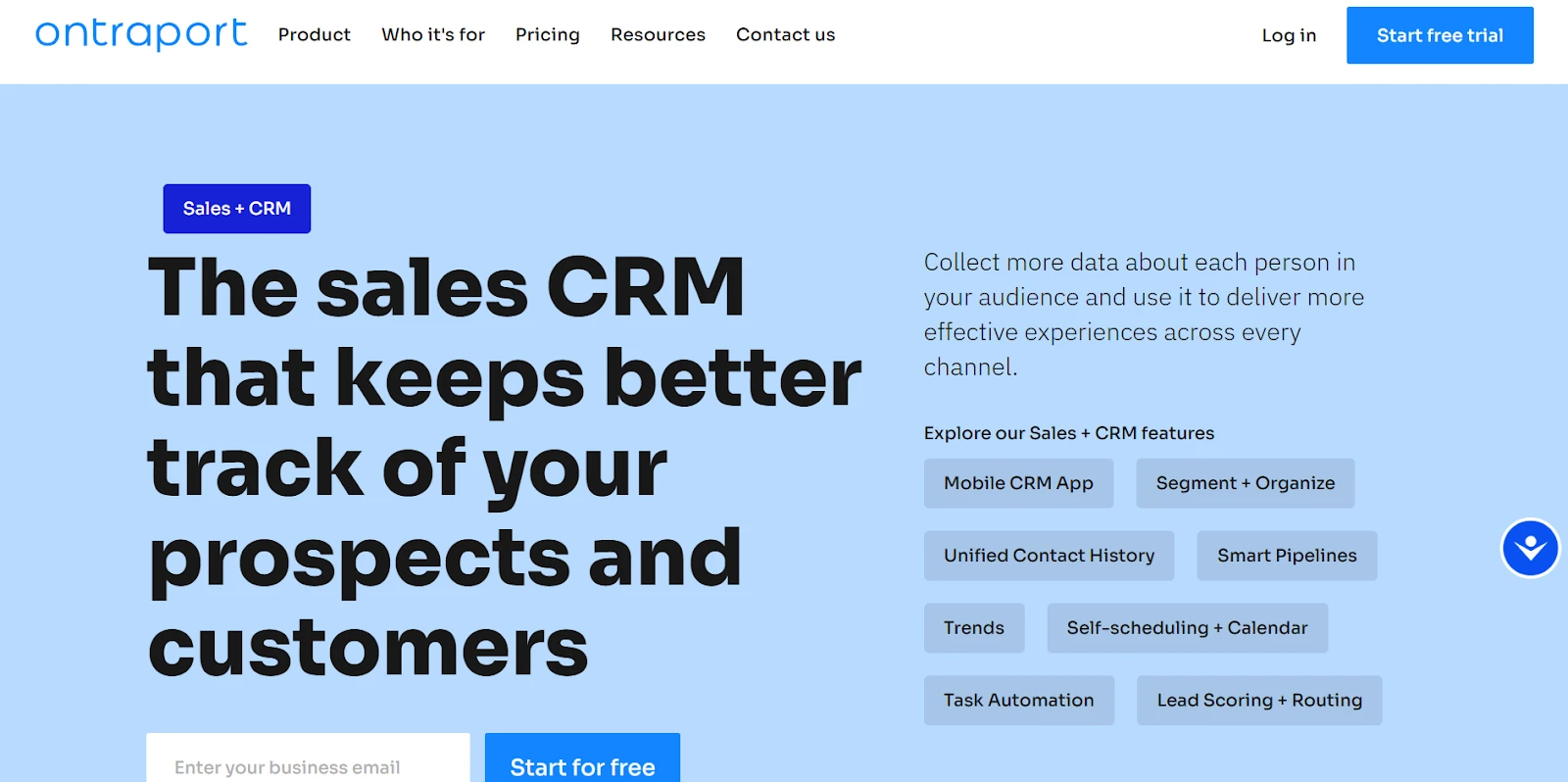
Ontraport is like the Swiss Army knife for business automation. It blends CRM, email marketing, and payment systems — making it especially popular with coaches, digital creators, and membership-based businesses.
Pricing:
You can try Ontraport for free for 14 days. After that, paid plans start around $29/user/month, scaling with contact volume and automation complexity. Higher tiers include e-commerce tools, membership management, and advanced analytics.
Key Features:
- Advanced workflows: Build automation sequences with detailed “if-this-then-that” logic.
- CRM database: Manage contacts, deals, and customer histories in one system.
- E-commerce support: Handle subscriptions, payments, and orders natively.
- Analytics: Track performance by campaign or funnel.
- Custom dashboards: Personalize your workspace to show what matters most.
Why it stands out: Ontraport is automation heaven, though it takes time to master.
There are other email marketing tools tha can be integrated within CRMs allow businesses to design, automate, and track personalized campaigns while keeping all customer interactions and performance data in one centralized system.
5. Salesforce CRM
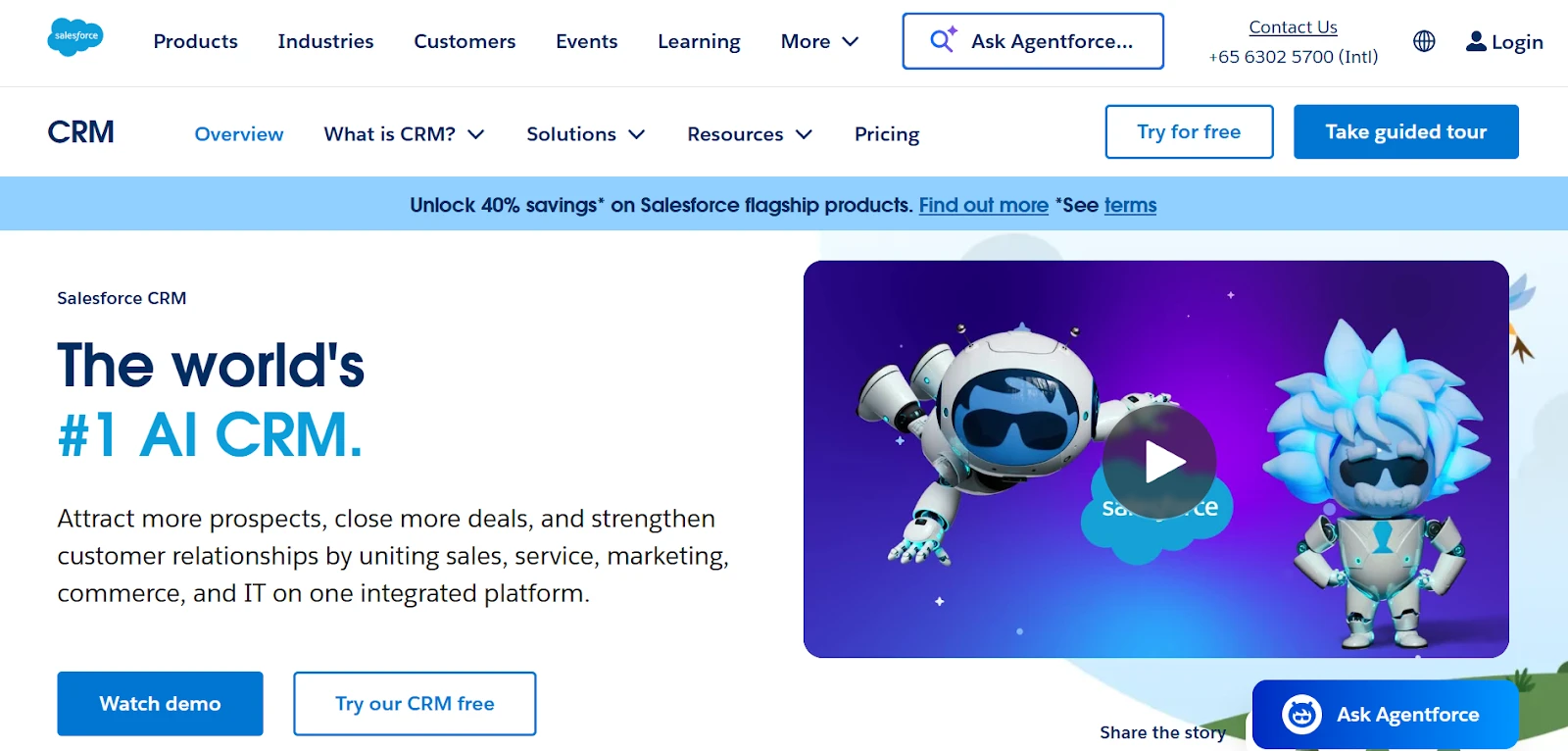
Salesforce is the household name in CRM — used by companies from startups to Fortune 500s. It’s vast, flexible, and endlessly customizable, though it can take some time to set up and master.
Pricing:
Salesforce offers a 30-day free trial. Paid plans begin with the Starter Suite at around $25/user/month, and can reach over $300/user/month for advanced enterprise packages that include AI forecasting, automation, and analytics.
Key Features:
- Pipeline and dashboards: Fully customizable for any sales process.
- AI-driven insights: Predictive analytics for lead scoring and deal forecasting.
- App ecosystem: Access thousands of integrations via AppExchange.
- Security & permissions: Industry-leading access control and encryption.
- Scalability: Handles large databases and complex operations effortlessly.
Why it stands out: Salesforce is the gold standard for enterprise scalability, but for small to mid-sized teams.
6. FreshSales
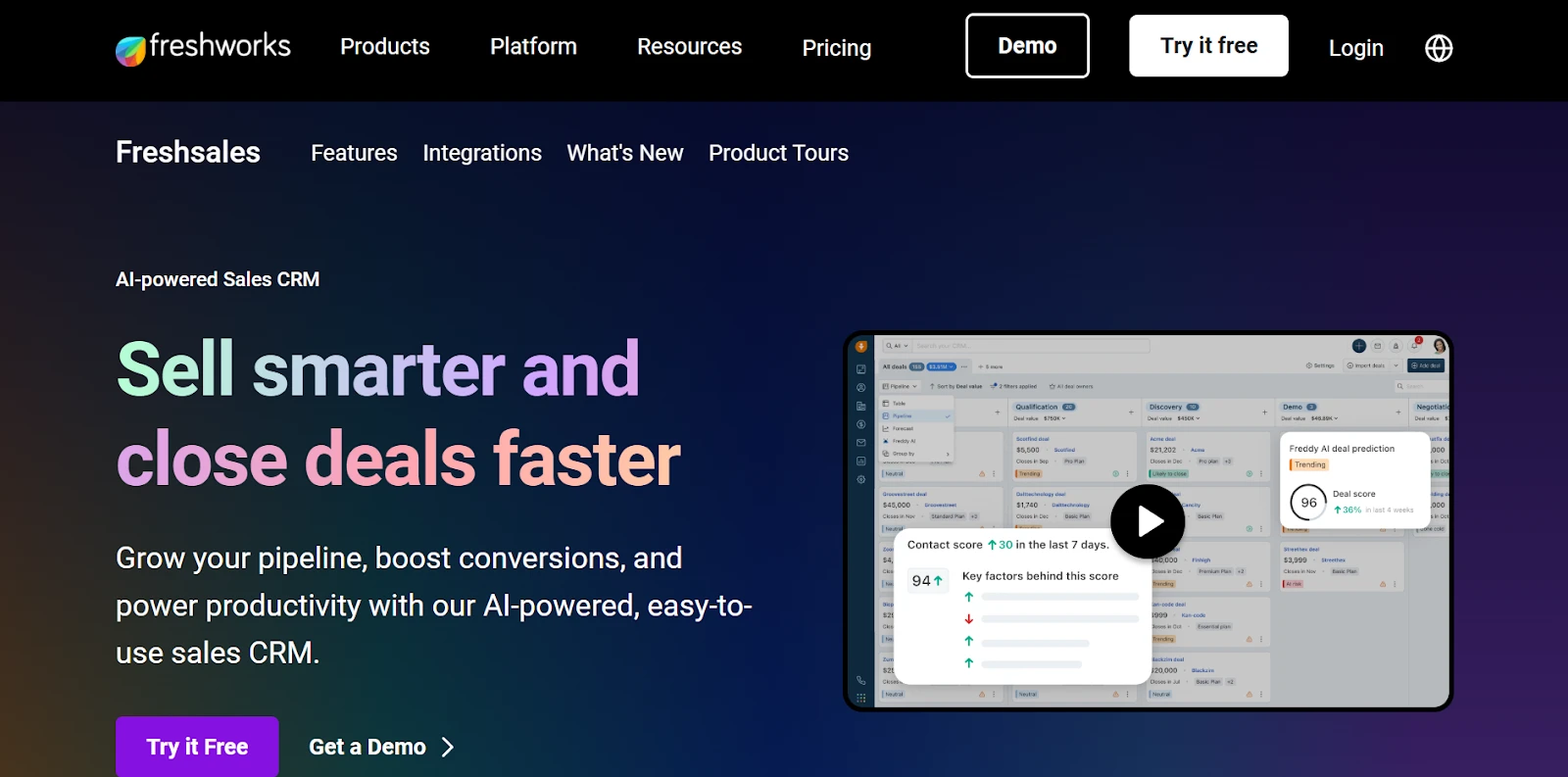
FreshSales, part of the Freshworks suite, combines ease of use with intelligent automation. It’s designed for sales teams that want powerful features without complexity.
Pricing:
FreshSales comes with a 21-day free trial (no credit card required). Paid plans start around $18/user/month, scaling up with AI features and automation tools.
Key Features:
- Built-in calling and chat: Connect with customers directly inside the CRM.
- AI assistant (Freddy): Prioritizes leads and recommends next steps.
- Workflow automation: Automate repetitive sales tasks easily.
- Sales pipelines: Visual boards for tracking every opportunity.
- Forecasting: Real-time reports and revenue insights.
Why it stands out: FreshSales is great for dynamic teams that want AI insights. However, if you want AI plus built-in marketing and customer communication, SendPulse delivers that combination under one affordable plan.
7. NetHunt CRM
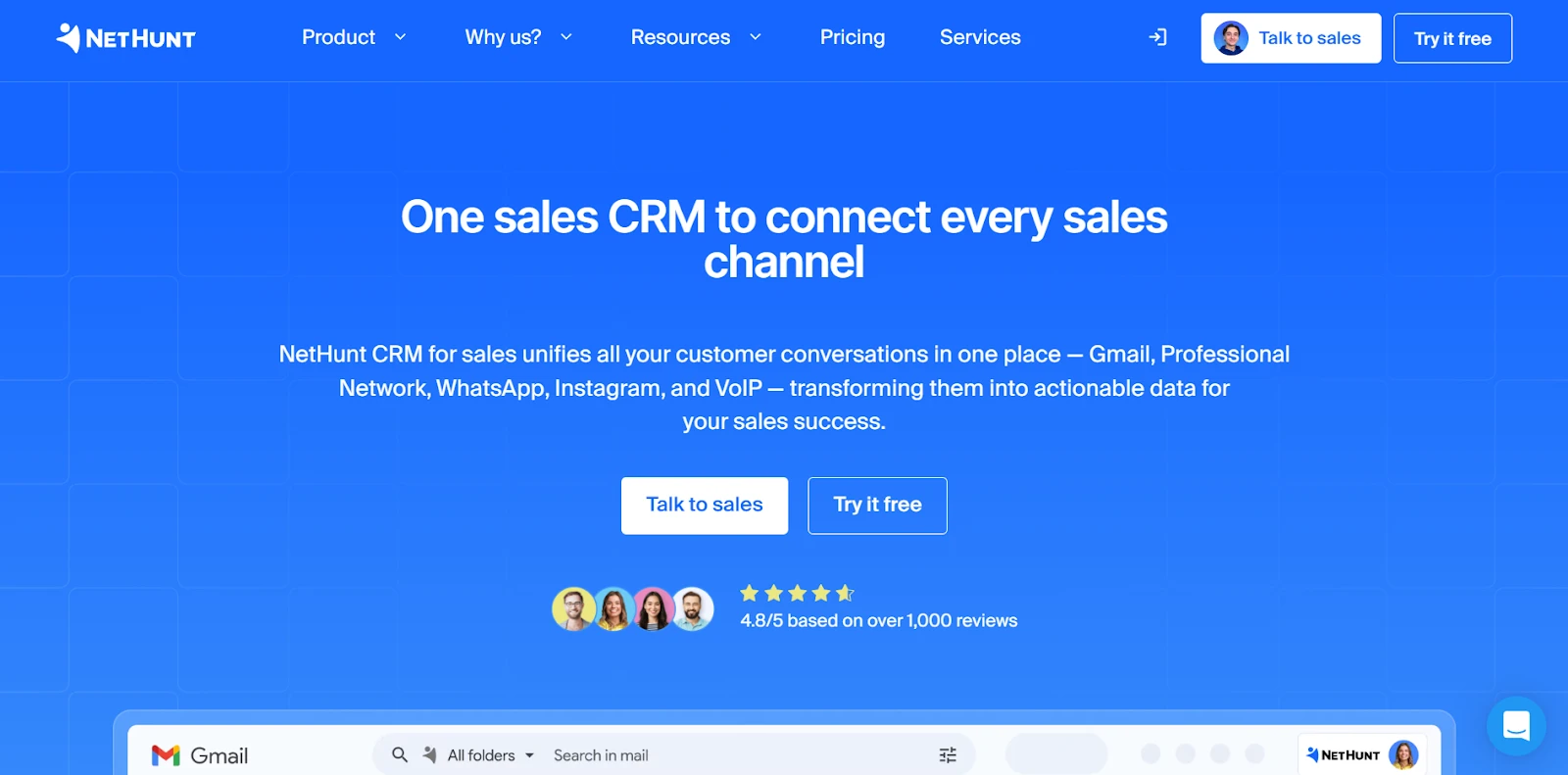
If you live inside Gmail, NetHunt CRM might be your new favorite tool. It turns your inbox into a full-fledged CRM, making it feel effortless to track deals and stay in touch with leads.
Pricing:
NetHunt offers a 14-day free trial with no user limit. Paid plans start around $24/user/month, giving access to advanced pipelines, automations, and integrations.
Key Features:
- Gmail integration: Manage leads and deals directly from your inbox.
- Automated workflows: Automatically assign leads or send follow-up emails.
- Visual pipelines: Track deal stages with a simple layout.
- Reports & analytics: Understand team performance at a glance.
- Mobile access: Stay connected anywhere with a dedicated app.
Why it stands out: Perfect for Gmail power users who don’t want another app to open.
8. Mailchimp
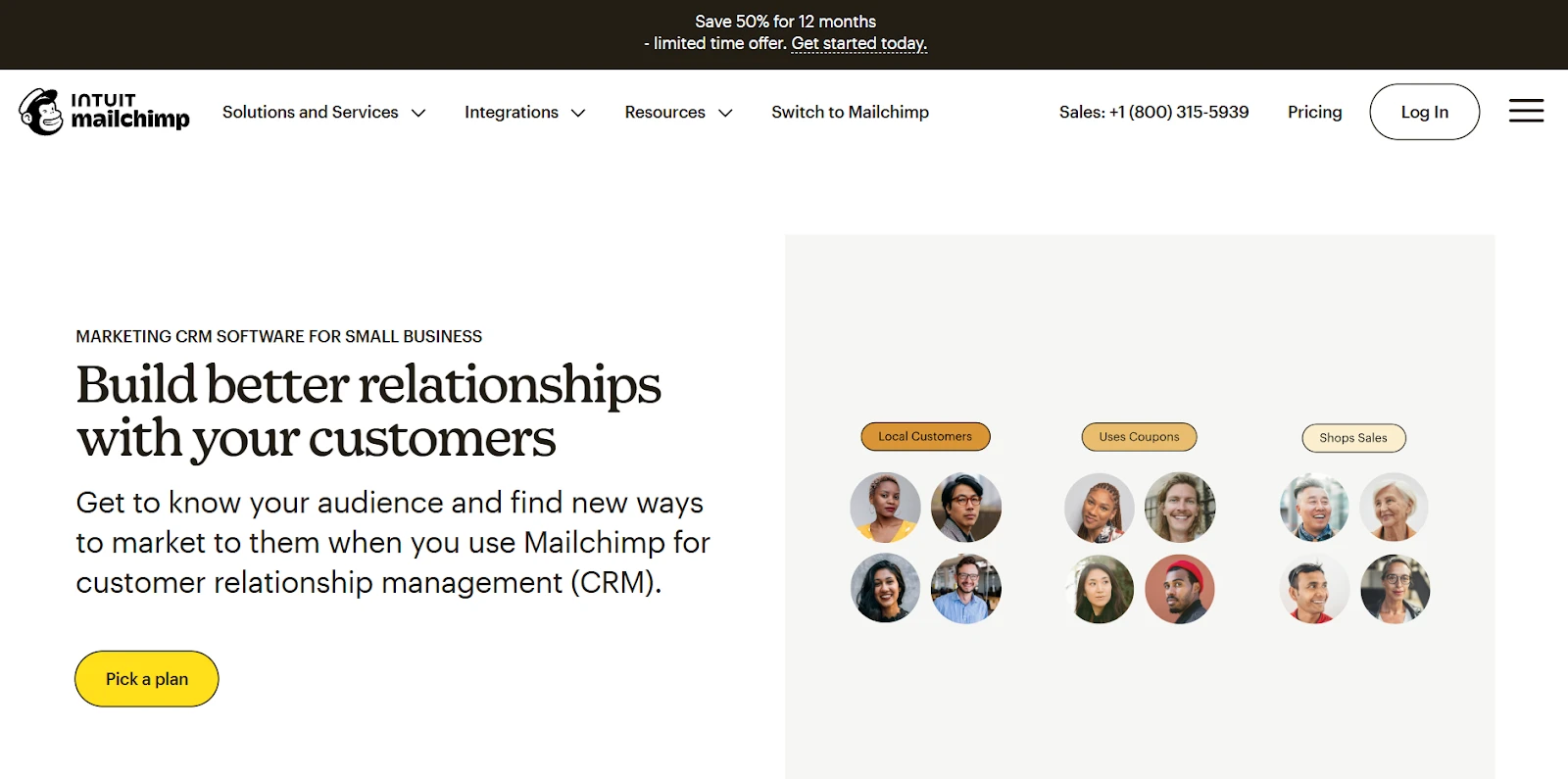
Mailchimp may have started as an email marketing platform, but it’s grown into a lightweight CRM for small businesses. It’s perfect for anyone starting out with contact management and marketing automation.
Pricing:
Mailchimp’s free plan includes limited CRM tools and email features. Paid plans start around $13/user/month and scale based on contact volume and marketing needs.
Key Features:
- Audience management: Tag, segment, and organize contacts efficiently.
- Automation: Set up email journeys like welcome sequences or follow-ups.
- Analytics: Track open rates, clicks, and campaign ROI.
- Integrations: Connect with Shopify, WooCommerce, and hundreds of apps.
- GDPR compliance: Built-in consent and data protection tools.
Why it stands out: Ideal for small teams that prioritize marketing. However, when you’re ready for more advanced CRM workflows, SendPulse provides greater flexibility — without losing Mailchimp’s simplicity.
Finding the Perfect Fit: Which CRM Deserves Your Time?
Choosing a CRM isn’t about picking the biggest name — it’s about finding what fits your workflow. Each of these eight tools has its sweet spot:
- Cheetah Digital (Marigold): Best for enterprise personalization.
- Pipedrive: Perfect for small, sales-focused teams.
- Ontraport: Great for automation-heavy online businesses.
- Salesforce CRM: Ideal for large organizations needing deep customization.
- FreshSales: A balanced mix of simplicity and smart AI.
- NetHunt: Seamless for Gmail-based sales operations.
- Mailchimp: Best entry-level CRM for marketing beginners.
But if you’re looking for a balanced, affordable, and truly all-in-one solution, SendPulse is the standout. It merges sales pipelines, marketing automation, and multichannel communication into one affordable platform. It’s powerful without being overwhelming, scalable without breaking the bank, and friendly enough that your whole team can adapt quickly.
SendPulse isn’t just a CRM — it’s a complete growth ecosystem. It lets you automate sales, communicate across channels, and nurture customer relationships in one intuitive space. For small and growing businesses looking to scale smarter, it’s the tool that makes sense — both strategically and financially.
***
CP