16 WooCommerce Plugins Every Serious Store Should Consider in 2026
There is the distinction between having a WooCommerce store which works and building one that is geared up for competition. While the former simply takes orders, the latter helps customers to browse for products, builds their confidence in you, keeps you legal, attracts new customers, and operates in the back end without exhausting you during the week. And the difference between these two is typically made by plugins. But which ones?
This checklist contains 16 useful plugins that might be considered as part of building such a store in 2026. It is certainly not an obligation to use all of them at once since no one needs every plugin in his or her life. It is just a menu that allows you to read the brief description beneath each one and mark those which solve a particular problem that you may face. Almost all of them offer free version.
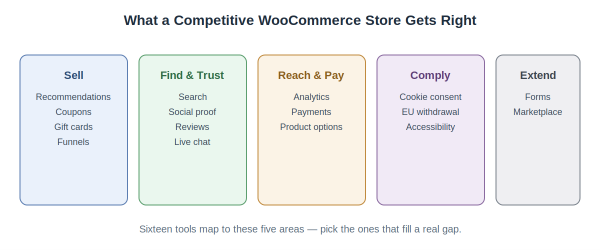
Sixteen tools across the five things a competitive store has to get right.
Here they are, one through sixteen.
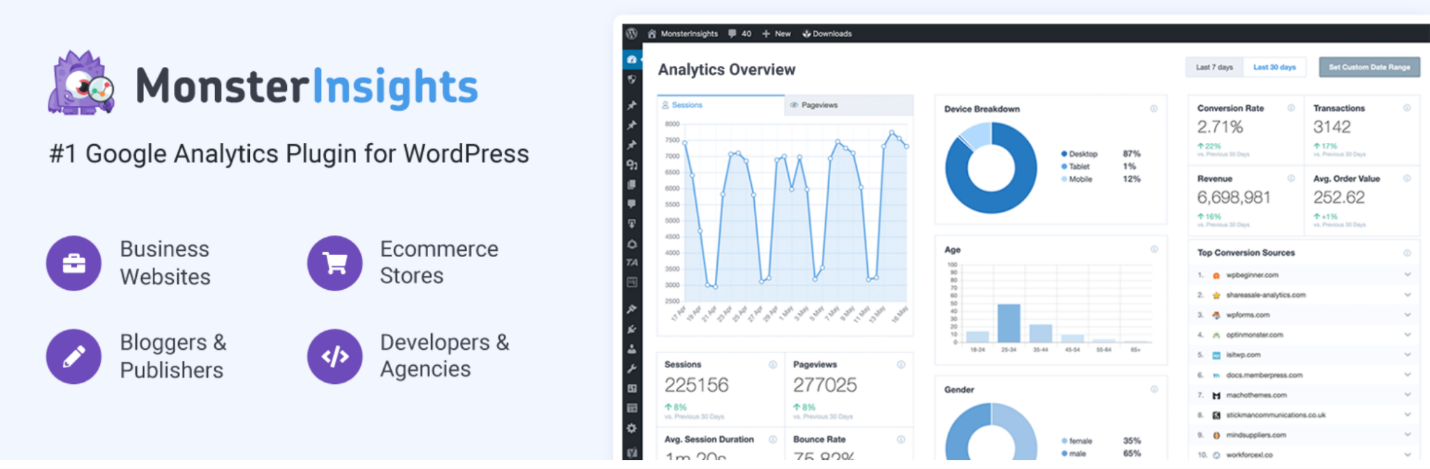
1. MonsterInsights — know your numbers
MonsterInsights connects Google Analytics to WordPress and surfaces the metrics that matter: revenue, conversion rate, top products, drop-off points right in your dashboard. Why it matters: you can’t improve what you can’t see, and analytics you never open is analytics you don’t have.
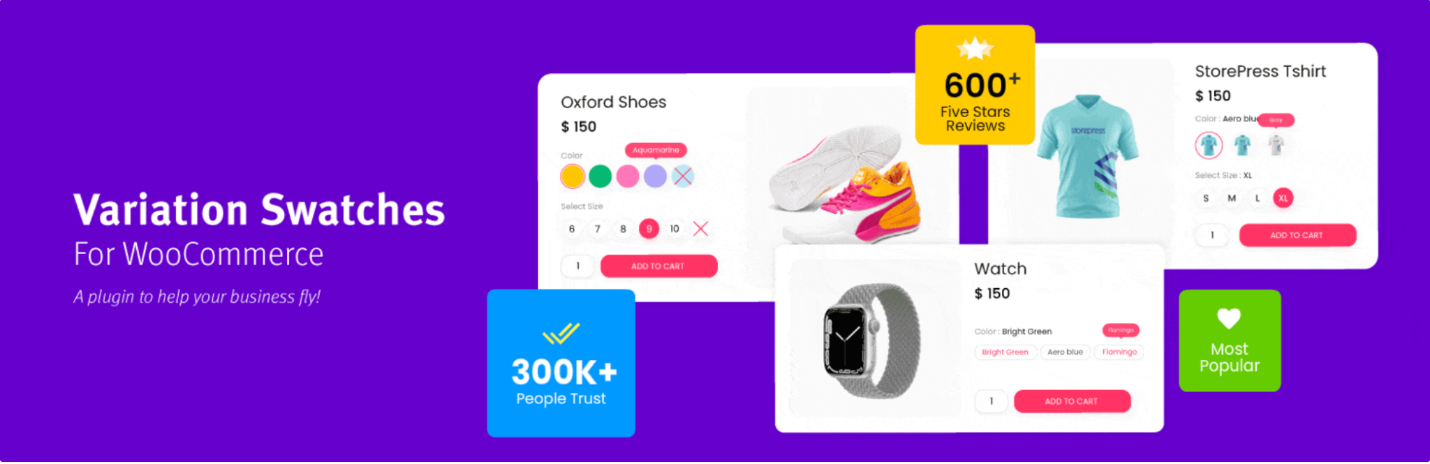
2. Variation Swatches for WooCommerce — better product options
Variation Swatches for WooCommerce converts the dropdown menu into visually tappable swatches for color and size variations. Why it matters: on mobile, where most traffic now lives, clumsy dropdowns quietly cost you sales that swatches recover.
3. WooCommerce Product Recommendations — sell the next item
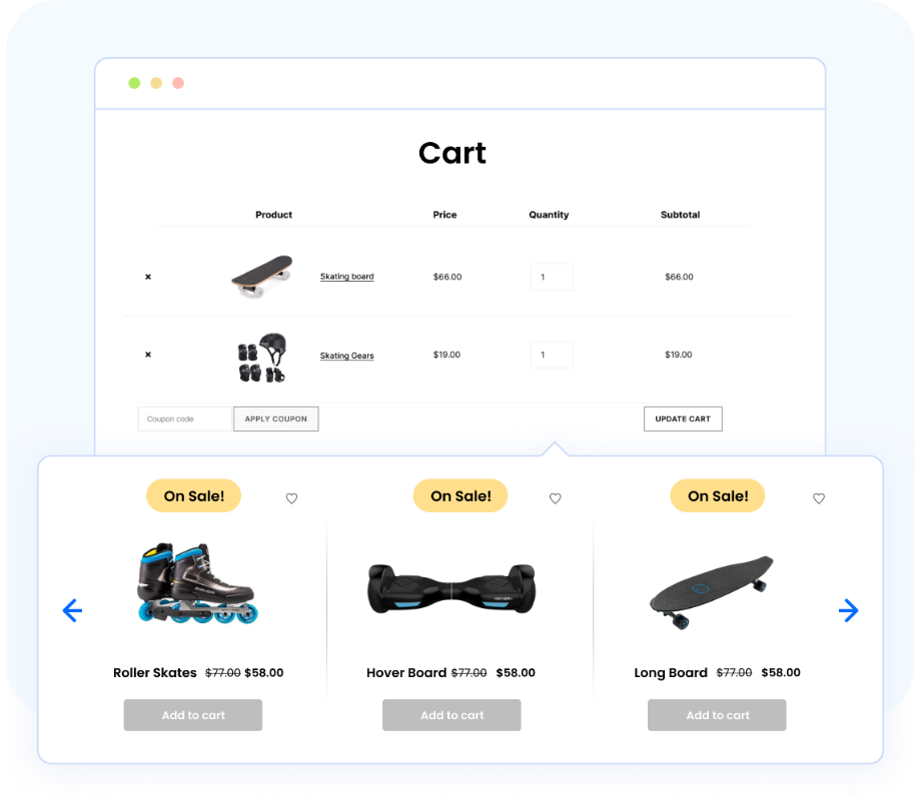
WooCommerce Product Recommendations by WebToffee adds “frequently bought together,” upsell, and cross-sell suggestions across your store, based on real buying patterns. It’s a premium plugin (from $89/year); for free related-products functionality, WebToffee offers the separate Related Products for WooCommerce plugin. Why it matters: a shopper buying one item will often take two or three — but only if you show them.
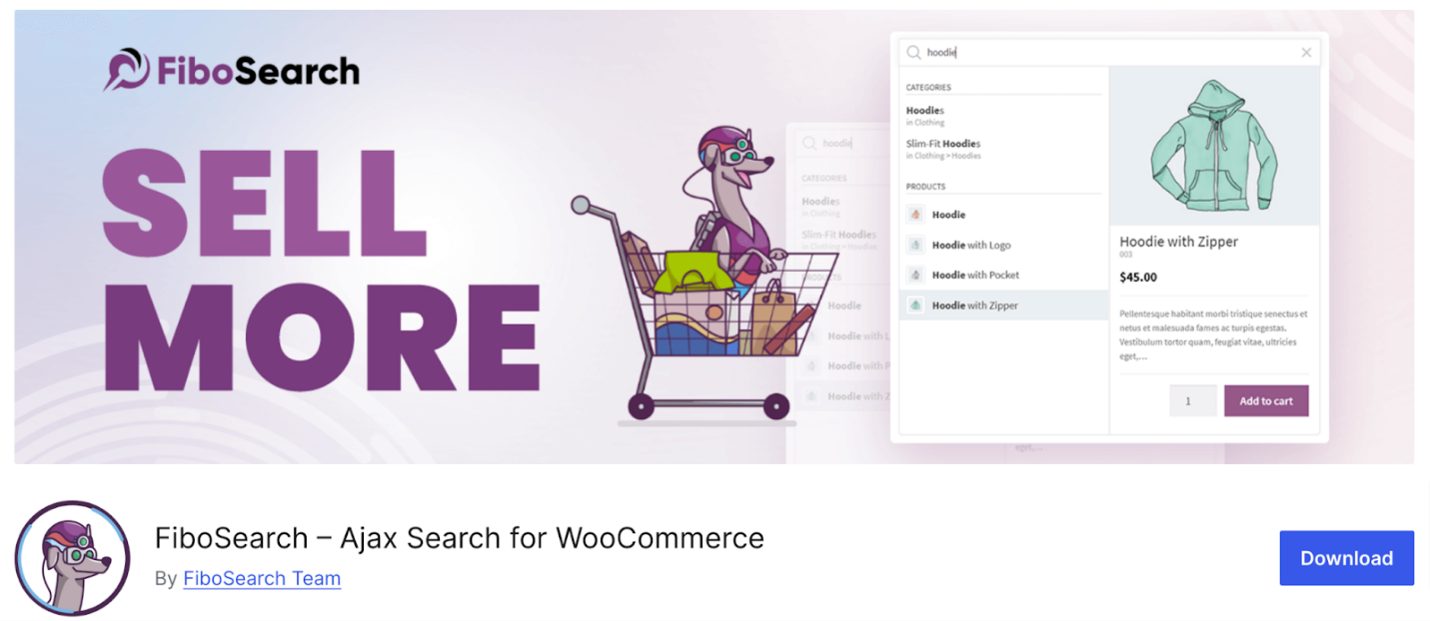
4. FiboSearch — search that actually works
FiboSearch provides a faster live search bar which suggests products as users start typing rather than using the default WooCommerce search box. Why it matters: shoppers who search are high-intent buyers, and a weak search bar sends them away empty-handed.
5. Smart Coupons for WooCommerce — promotions that convert
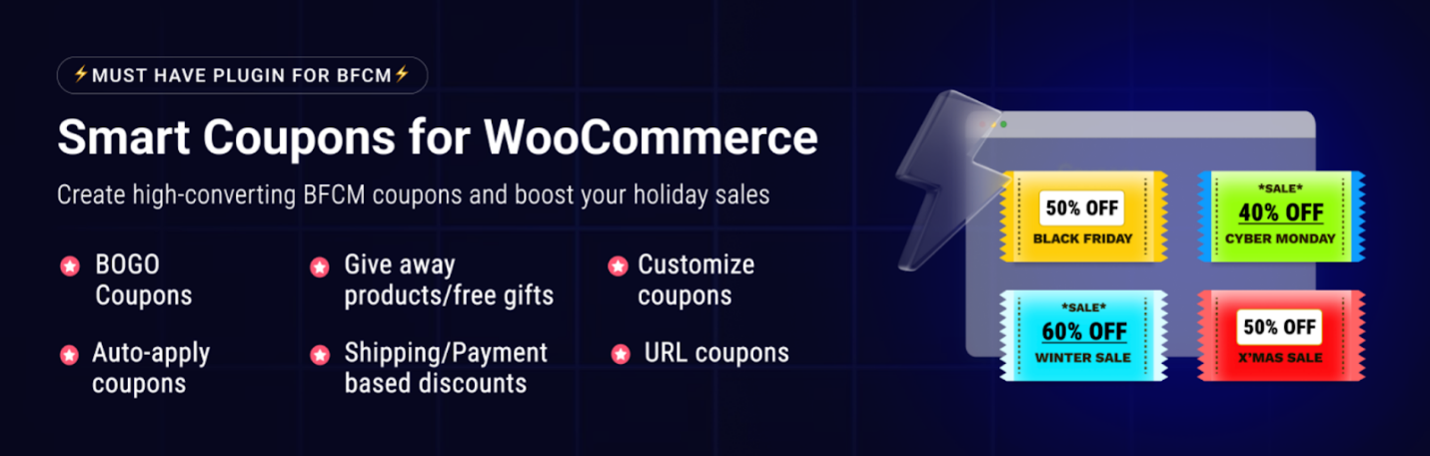
Smart Coupons for WooCommerce adds BOGO deals, store credit, spend-and-save tiers, and pre-applied coupon links far beyond WooCommerce’s native coupons. A free version covers the essentials. Why it matters: a flat discount blends into the noise; a clever offer gets clicked.
6. CartFlows — a focused buying path
With CartFlows, you can design streamlined checkout funnels using order bumps and one-click upsells across over 200,000 stores. Why it matters: the default checkout accepts orders; a purpose-built funnel actively grows them.

7. WooCommerce Gift Cards — a new revenue channel
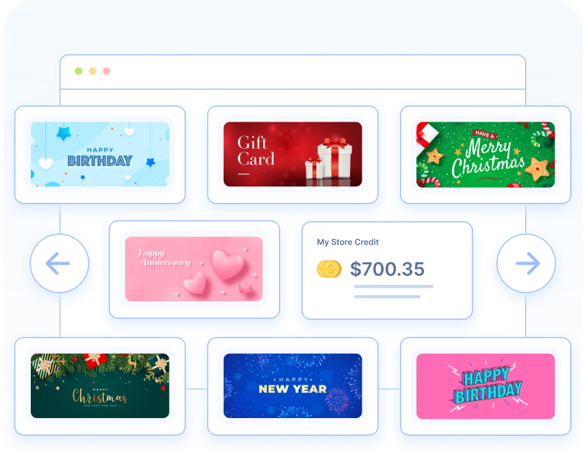
WooCommerce Gift Cards lets you sell digital and physical gift cards with custom amounts and scheduled delivery. A free version is available but limited to a single gift card product and about four templates — unlimited cards and 20+ templates require the premium version. Why it matters: gift cards bring revenue upfront and walk a brand-new customer into your store at redemption.
8. TrustPulse — social proof in real time
TrustPulse shows small live notifications of recent purchases and signups. Why it matters: first-time visitors trust a store more when they can see other people are actively buying from it.

9. Customer Reviews for WooCommerce — reviews on autopilot
Customer Reviews for WooCommerce: 80,000 Stores uses post-purchase email reviews and structured data to implement review stars in search results. Why it matters: happy customers rarely review unprompted, leaving your best proof uncollected.

10. Tidio — live chat and AI support
Tidio offers live chat alongside an AI assistant to answer general queries and provides the customer’s shopping cart during the process. Why it matters: an unanswered question during a shopping session is usually a lost sale.

11. Mollie Payments for WooCommerce — broader payment options
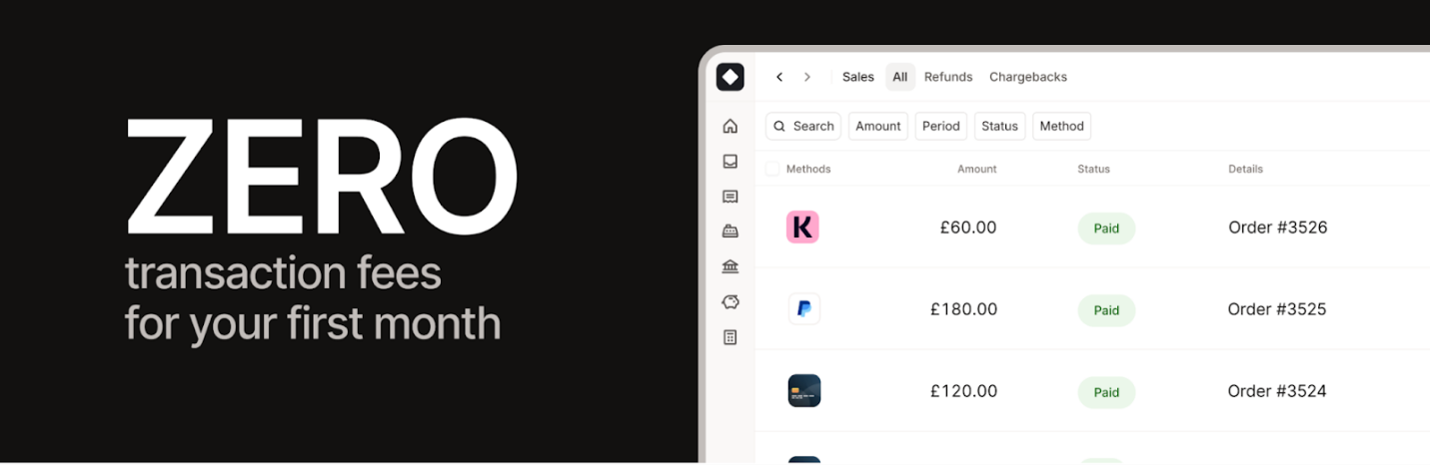
Mollie Payments for WooCommerce combines different types of payment gateways such as credit cards, PayPal, Apple Pay, Klarna, and iDEAL in a single integration. Why it matters: customers who can’t pay their preferred way simply leave, and you never learn why.
12. CookieYes — cookie consent compliance
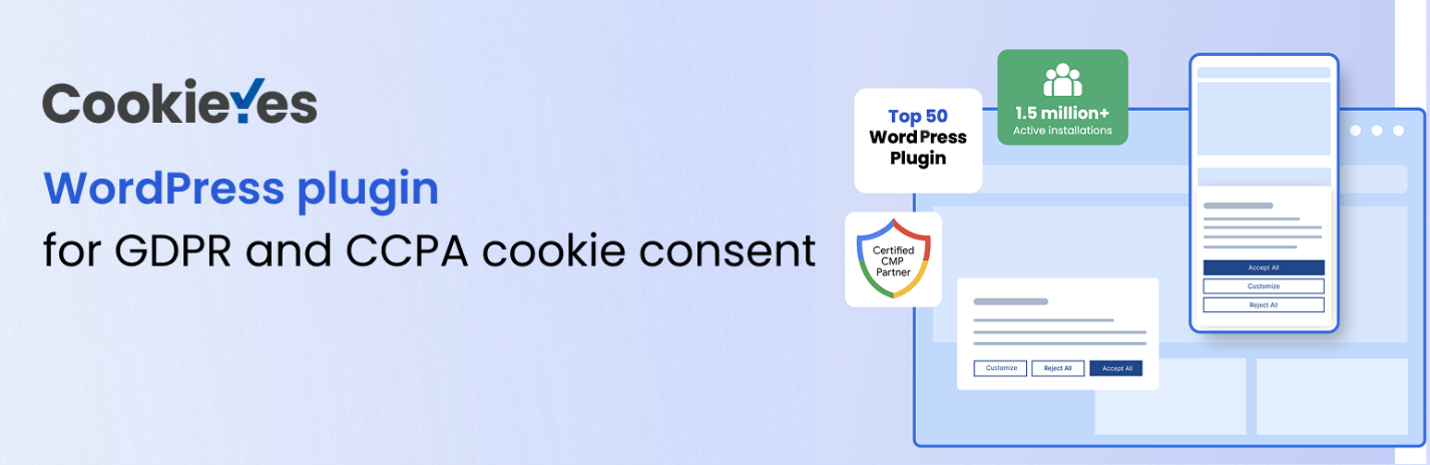
CookieYes, on more than 3 million websites, displays a compliant consent banner that can block tracking before receiving consent. Why it matters: if you get EU, UK, or California visitors, consent isn’t optional — and compliant-by-accident isn’t a thing.
13. EU Withdrawal Button for WooCommerce — EU cancellation rights
EU Withdrawal Button for WooCommerce by WebToffee adds a compliant order-cancellation button and guided form for the EU’s Right of Withdrawal directive (EU 2023/2673). It’s free on WordPress.org. Why it matters: selling to the EU makes this a legal requirement, not a nice-to-have.

14. WebYes Accessibility Tool — an accessible store
WebYes Accessibility Tool improves accessibility at the code level and includes a free Chrome extension for instant WCAG testing. Why it matters: accessibility is now both a legal expectation under ADA and the EAA and a way to avoid turning paying customers away. They also have a free accessibility chrome extension you could check out.

15. WPForms — custom forms without code
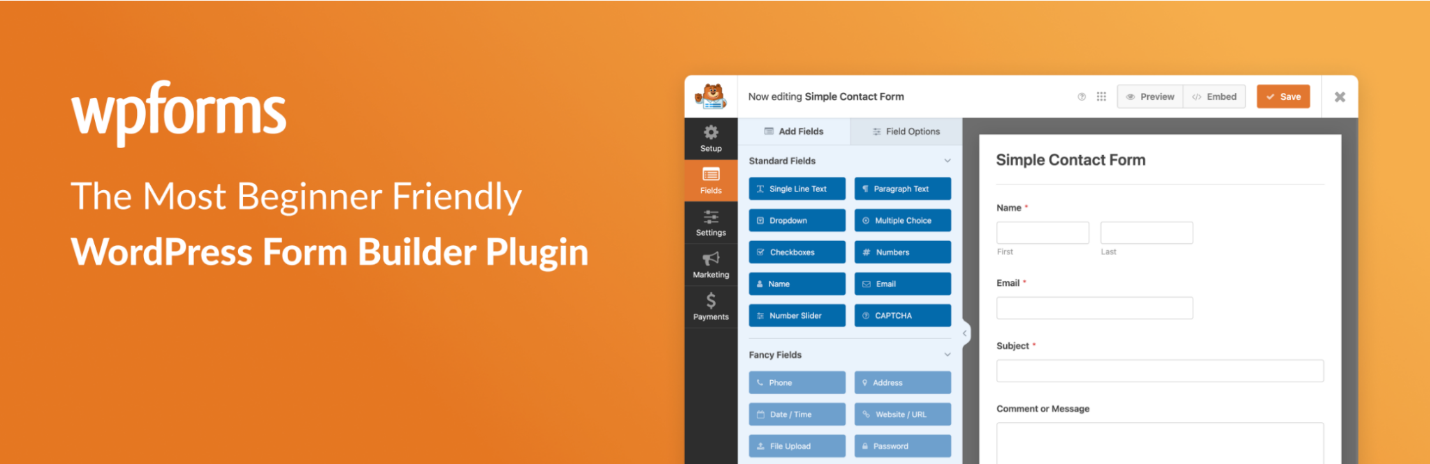
WPForms is a drag and drop form builder for quotes, wholesaling application, and customer feedback forms. Why it matters: once inquiries go beyond “contact us,” structured forms save you from endless follow-up emails.
16. Dokan — turn your store into a marketplace
Dokan allows several sellers to sell from your website, each with its own dashboard and commission management system. Why it matters: if your model involves other sellers, this is the foundation — and it’s worth knowing exists before you need it.

How to Use This Checklist
Sixteen plugins is a lot to take in at once, so don’t. Walk through the list and highlight only the tools whose “reason it’s important” explains a gap you see in your own business. Every owner will leave with three or four actual matches — and those are your initial focus, not the entire list of sixteen.
Next, walk through your reduced list in order of priority. If you lack analytics, deal with that first, because otherwise how will you know if the other things work? If you lose money at checkout, optimize that process first, because what do you need more traffic for when you can’t sell anyone who gets there?
And don’t beat yourself up about passing on a tool. A tool that fills a gap you don’t actually have is just junking up your website. The purpose of this type of checklist is not to check off every item but to ensure that the items you’ve left unchecked are choices you’ve made, not problems you haven’t spotted.
***
Benjamin